











.png)


Integrations
Zapier
STACKED Zapier Integration
Connect STACKED to thousands of apps with Zapier and automate your LinkedIn lead generation workflows without code.
Why connect Zapier to STACKED


What you can do with Zapier in STACKED
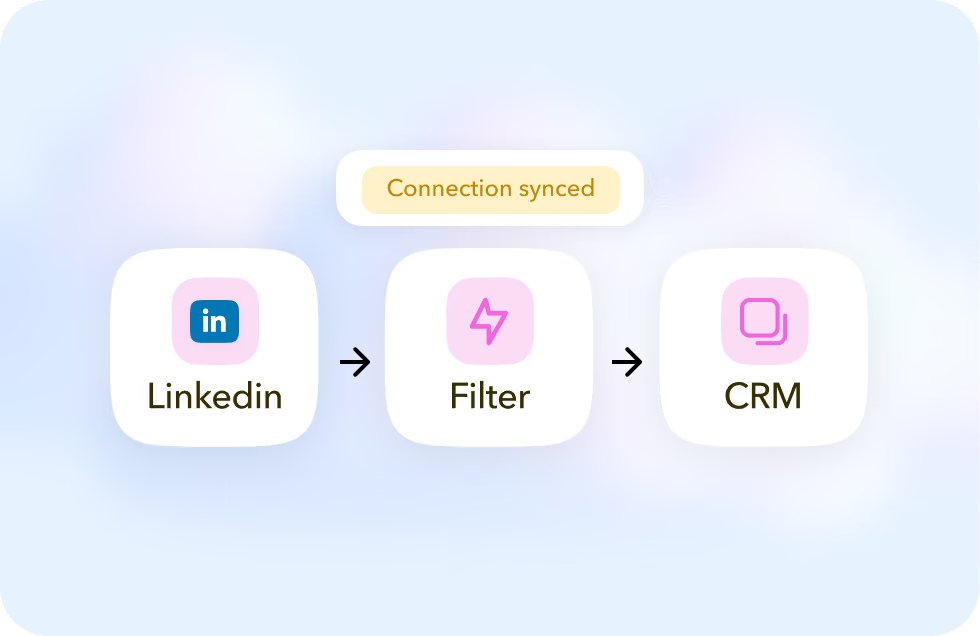
Add new LinkedIn connections to your CRM
Capture new connections with STACKED and automatically send their profile data to your CRM through Zapier.
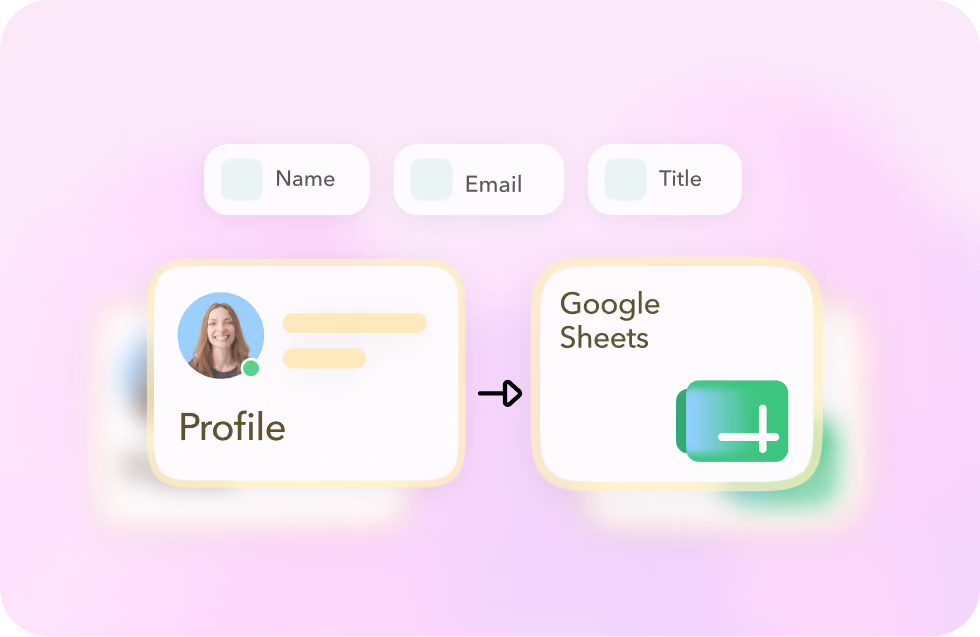
Build and update prospect lists automatically
Send LinkedIn profile data captured by STACKED to tools like Google Sheets to build and maintain prospect lists without manual data entry.
Trigger LinkedIn actions from other tools
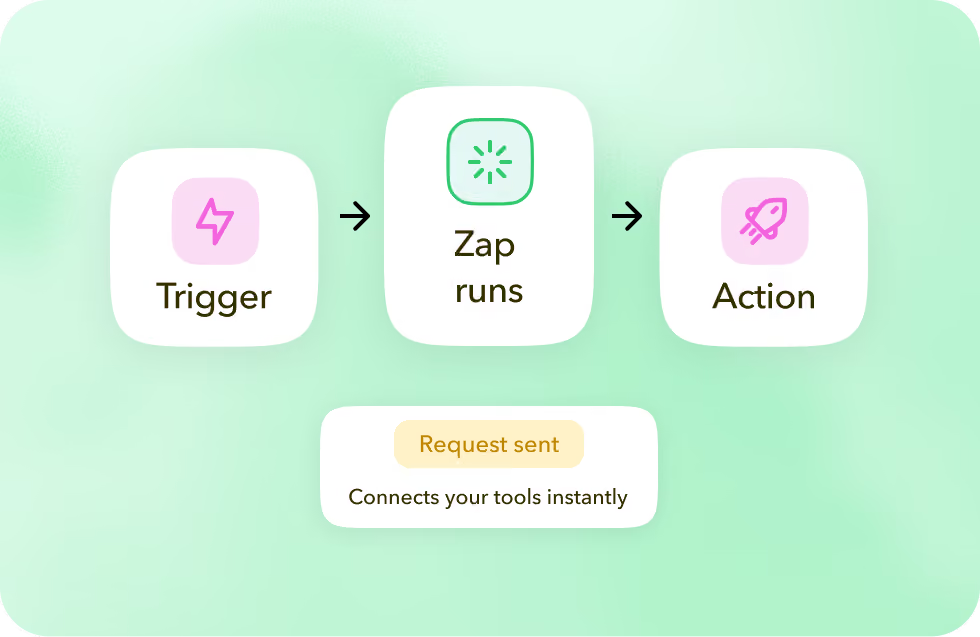
Use activity in your connected apps to trigger STACKED actions, such as visiting a profile, sending a connection request or message, or enrolling a prospect into a campaign.
Add new LinkedIn connections to your CRM
Capture new connections with STACKED and automatically send their profile data to your CRM through Zapier.
Build and update prospect lists automatically
Send LinkedIn profile data captured by STACKED to tools like Google Sheets to build and maintain prospect lists without manual data entry.
Trigger LinkedIn actions from other tools
Use activity in your connected apps to trigger STACKED actions, such as visiting a profile, sending a connection request or message, or enrolling a prospect into a campaign.
Got a question?
Can STACKED be both a trigger and an action in Zapier?
Yes. STACKED can trigger a Zap from LinkedIn activity, and it can also perform LinkedIn actions as part of a Zapier workflow.
Which LinkedIn events can trigger a Zap?
Zapier can trigger workflows from events including profile visits, new LinkedIn connections, new messages, and STACKED actions.
What STACKED actions can I trigger with Zapier?
You can trigger actions including visiting, connecting with, following, messaging, endorsing and tagging profiles, as well as enrolling prospects, sending InMails and more.
Can I send STACKED data to my CRM or other apps?
Yes. You can use STACKED events to pass LinkedIn profile data into another app in your Zap, such as a CRM or Google Sheets.


Integrate STACKED
with Zapier today