











.png)


Integrations
Make
STACKED Make Integration
Connect apps and automate workflows using a no-code visual builder by linking STACKED to your favorite sales and marketing tools for LinkedIn lead generation.
Why connect Make to STACKED


What you can do with Make in STACKED
Trigger a scenario from a LinkedIn event
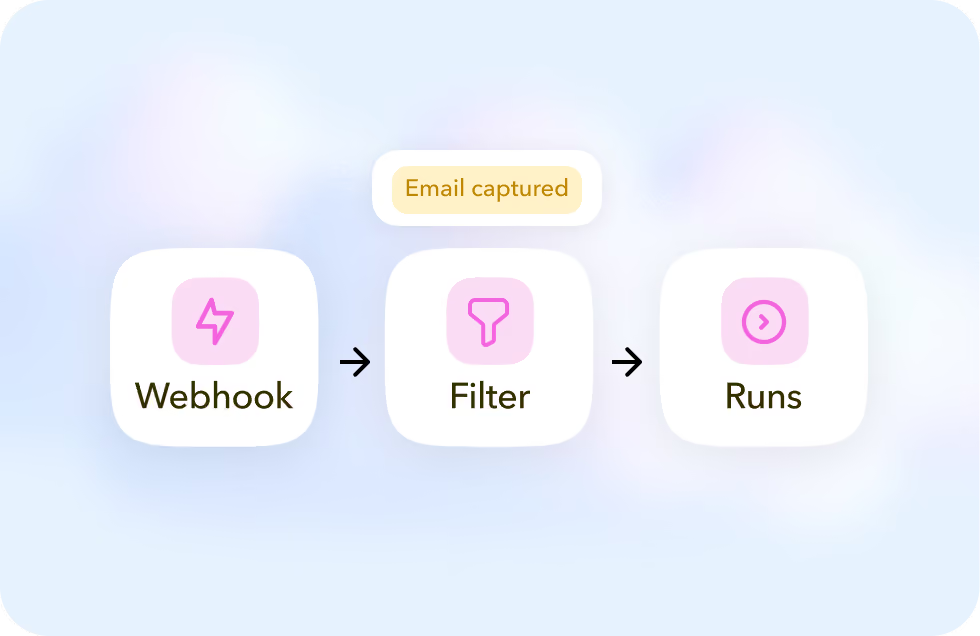
Watch for a new connection or a profile visit with a STACKED webhook, and filter events, such as visits where an email was captured, before they run.
Record LinkedIn profile data automatically
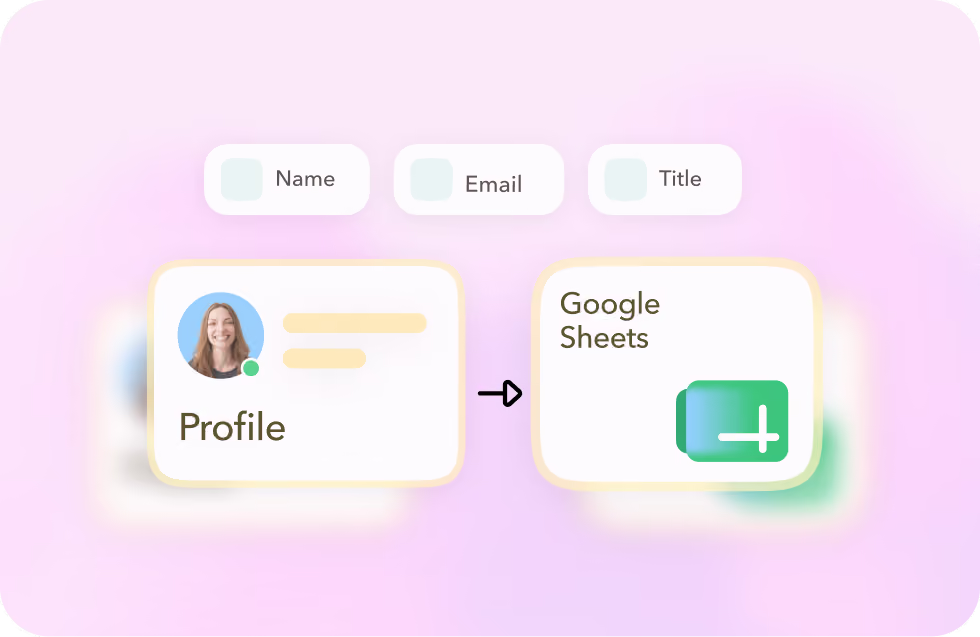
Record profile data, such as name, location, title, industry, email, and more, and log sent and received LinkedIn messages against the profile in Google Sheets.
Visit a profile from a Make scenario
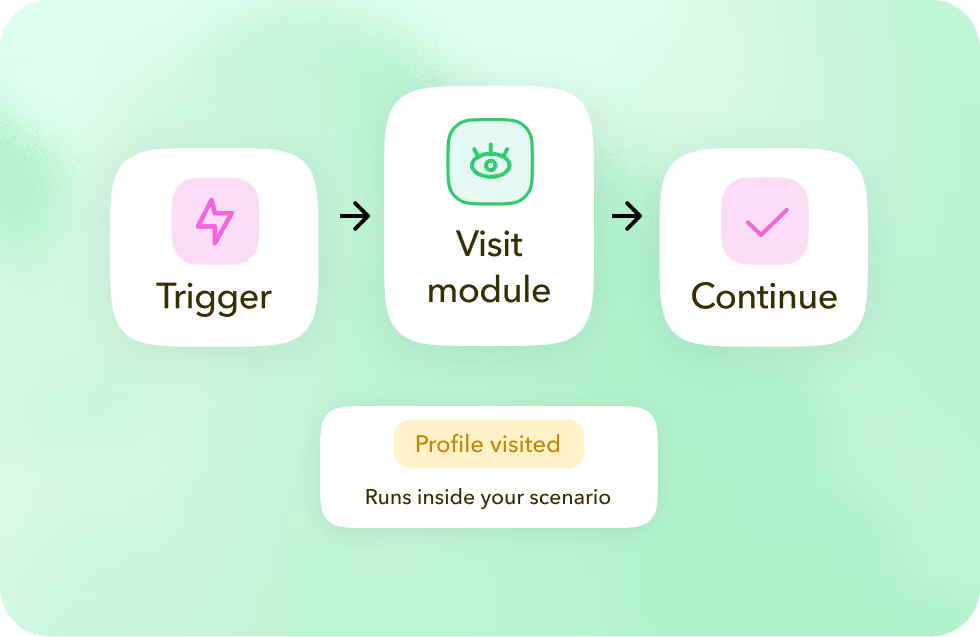
Add the STACKED Visit module to a scenario to remotely trigger a LinkedIn profile visit as part of your workflow.
Trigger a scenario from a LinkedIn event
Watch for a new connection or a profile visit with a STACKED webhook, and filter events, such as visits where an email was captured, before they run.
Record LinkedIn profile data automatically
Record profile data, such as name, location, title, industry, email, and more, and log sent and received LinkedIn messages against the profile in Google Sheets.
Visit a profile from a Make scenario
Add the STACKED Visit module to a scenario to remotely trigger a LinkedIn profile visit as part of your workflow.
Got a question?
Which STACKED plan do I need for Make?
You'll need a Stacked local or cloud license. STACKED’s own Make templates are built for these plans.
What if Make captures the wrong event type?
If Make captures MEMBER_TO_MEMBER instead of the connection-accepted event you expect, re-run the STACKED module and choose "Use existing data" under "Run this module only."
Are there ready-made Make templates for STACKED?
Yes. Make (formerly Integromat) offers a handful of ready-made STACKED templates you can start a scenario from.
Can I filter which LinkedIn events get recorded?
Yes, for example, you can filter the visit-event trigger to only record profiles where an email address was captured.


Integrate STACKED
with Make today