



Outreach campaigns feature icon
Integrations
Pipedrive

STACKED Pipedrive Integration

Create and update Pipedrive contacts using LinkedIn data and run automated LinkedIn outreach campaigns from Pipedrive with STACKED.

Why connect Pipedrive
to STACKED

Keep your Pipedrive data up to date

Create and update contacts and companies using data from LinkedIn. Keep profile details, connections and LinkedIn activity synced with your CRM.

Run LinkedIn outreach from Pipedrive

Enroll contacts or lists into STACKED campaigns, send messages and connection invitations, and qualify leads without leaving Pipedrive.

Bring LinkedIn activity into your workflow

Connect LinkedIn outreach with your existing sales workflows, keep your data up to date and view LinkedIn conversations in Pipedrive.

Respond before the lead goes cold

Replies appear in Teams within seconds, so your team can pick them up while interest is high.

Respond before the lead goes cold

Replies appear in Teams within seconds, so your team can pick them up while interest is high.

Respond before the lead goes cold

Replies appear in Teams within seconds, so your team can pick them up while interest is high.

Respond before the lead goes cold

Replies appear in Teams within seconds, so your team can pick them up while interest is high.

Replies appear in Teams within seconds, so your team can pick them up while interest is high.

What you can do from Pipedrive with STACKED

Add contacts to a campaign

Select individual contacts or lists in Pipedrive and enroll them directly into your STACKED outreach campaigns.
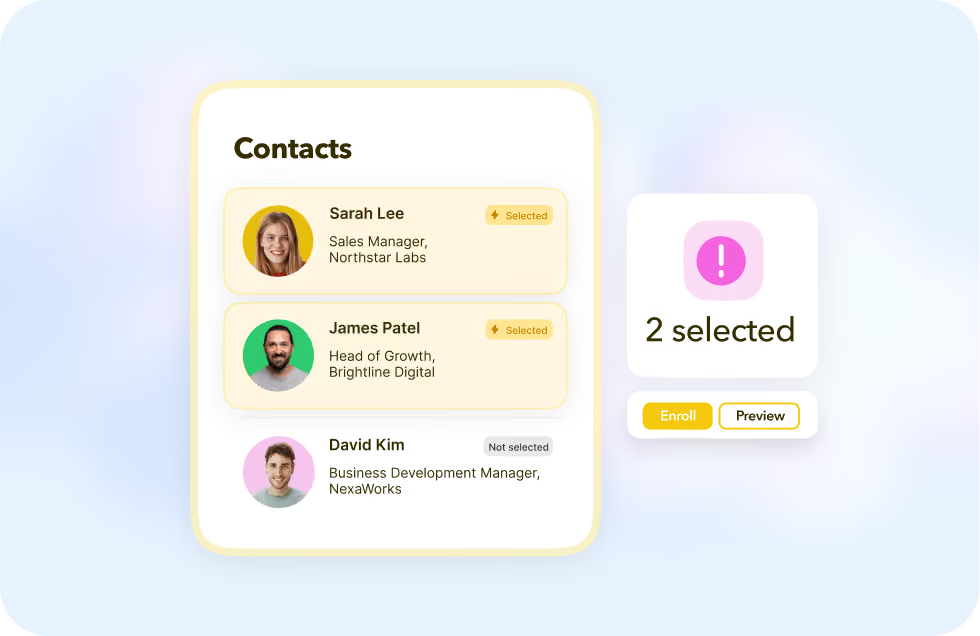
User interface panel titled Contacts showing three contacts: Sarah Lee, Sales Manager at Northstar Labs, and James Patel, Head of Growth at Brightline Digital, both marked as selected with yellow highlight and lightning icon; David Kim, Business Development Manager at NexaWorks, marked as not selected. To the right, a pink alert icon with text '2 selected' and buttons labeled 'Enroll' and 'Preview'.
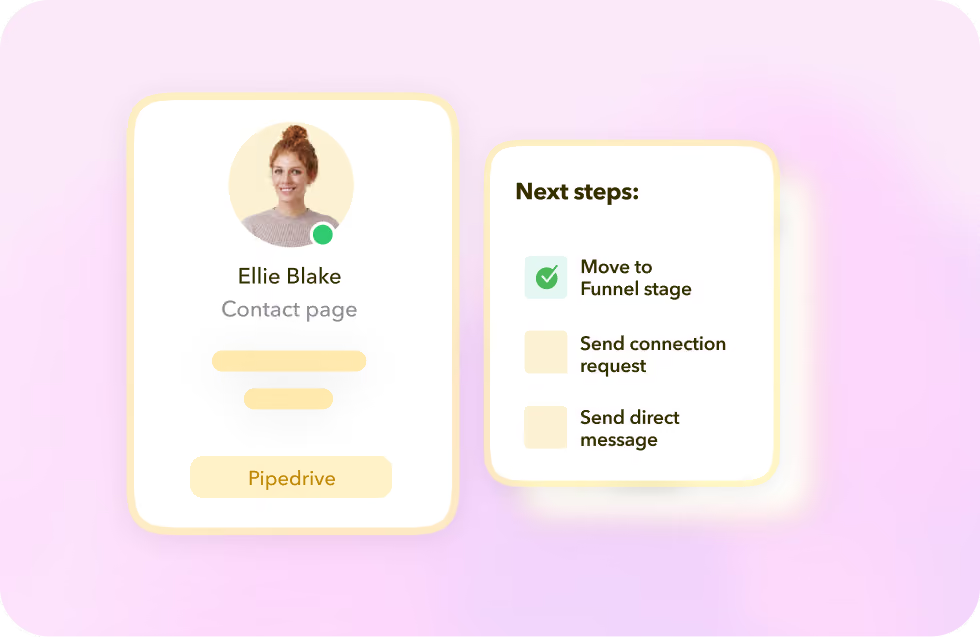
User interface displaying profile card of Ellie Blake with a green status indicator and labeled Contact page, along with a section titled Next steps listing three tasks: Move to Funnel stage with a green check, Send connection request, and Send direct message.

Trigger LinkedIn actions

Send LinkedIn messages and connection invitations, and qualify leads in or out of your Funnel without leaving Pipedrive.

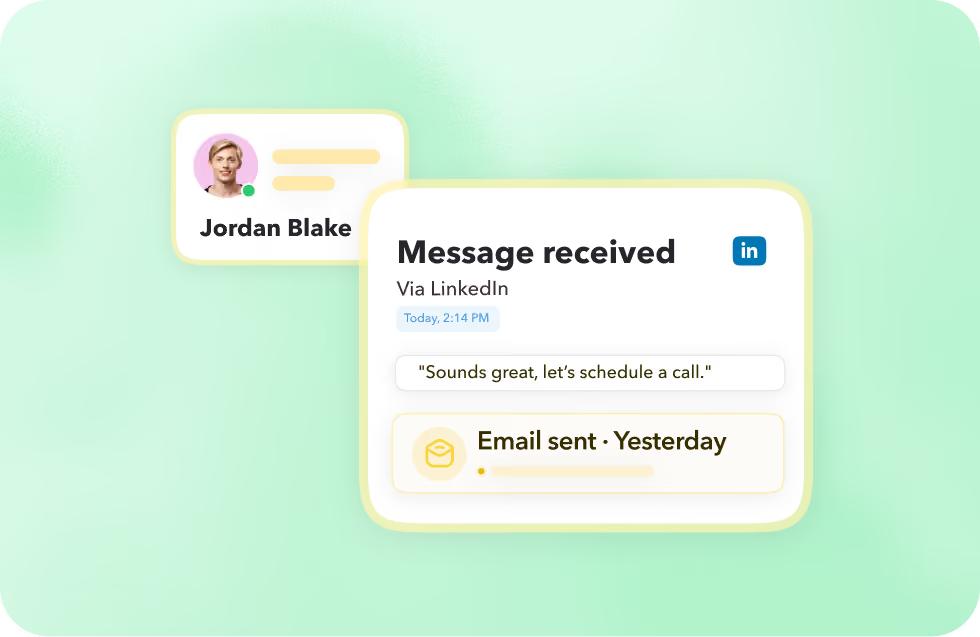
Keep conversations connected

View LinkedIn conversation history in Pipedrive, so your team can keep track of outreach and conversations alongside each contact.
Digital chat interface showing a message received via LinkedIn from Jordan Blake saying, 'Sounds great, let's schedule a call,' with an email sent notification from yesterday.

Add contacts to a campaign

Select individual contacts or lists in Pipedrive and enroll them directly into your STACKED outreach campaigns.

Trigger LinkedIn actions

Send LinkedIn messages and connection invitations, and qualify leads in or out of your Funnel without leaving Pipedrive.

Keep conversations connected

View LinkedIn conversation history in Pipedrive, so your team can keep track of outreach and conversations alongside each contact.
User interface panel titled Contacts showing three contacts: Sarah Lee, Sales Manager at Northstar Labs, and James Patel, Head of Growth at Brightline Digital, both marked as selected with yellow highlight and lightning icon; David Kim, Business Development Manager at NexaWorks, marked as not selected. To the right, a pink alert icon with text '2 selected' and buttons labeled 'Enroll' and 'Preview'.User interface displaying profile card of Ellie Blake with a green status indicator and labeled Contact page, along with a section titled Next steps listing three tasks: Move to Funnel stage with a green check, Send connection request, and Send direct message.Digital chat interface showing a message received via LinkedIn from Jordan Blake saying, 'Sounds great, let's schedule a call,' with an email sent notification from yesterday.

Keep conversations connected

View LinkedIn conversation history in Pipedrive, so your team can keep track of outreach and conversations alongside each contact.

DuxSoup product interface visual

Got a question?

Is the Pipedrive integration two way?

Yes. STACKED can send LinkedIn profile data and activity to your CRM, while also letting you trigger LinkedIn actions directly from Pipedrive.

Can I choose which LinkedIn profiles are added to my CRM?

Yes. You can control which profiles are created or updated using filters based on connections, tags, enrolled prospects or profile visits.

Can I see LinkedIn messages in Pipedrive?

Yes. Incoming LinkedIn messages can be recorded against the relevant contact, with the LinkedIn conversation available to view from Pipedrive.

Can my whole team use the integration?

Yes. Once the connector is installed, Pipedrive users can access the STACKED connector panel without needing the browser extension installed.

