











.png)


features
Lead management
Every prospect organized, searchable and ready to target
Tag, filter and drill down to the prospects you want. Easily create lists to enroll in campaigns, export or re-target.
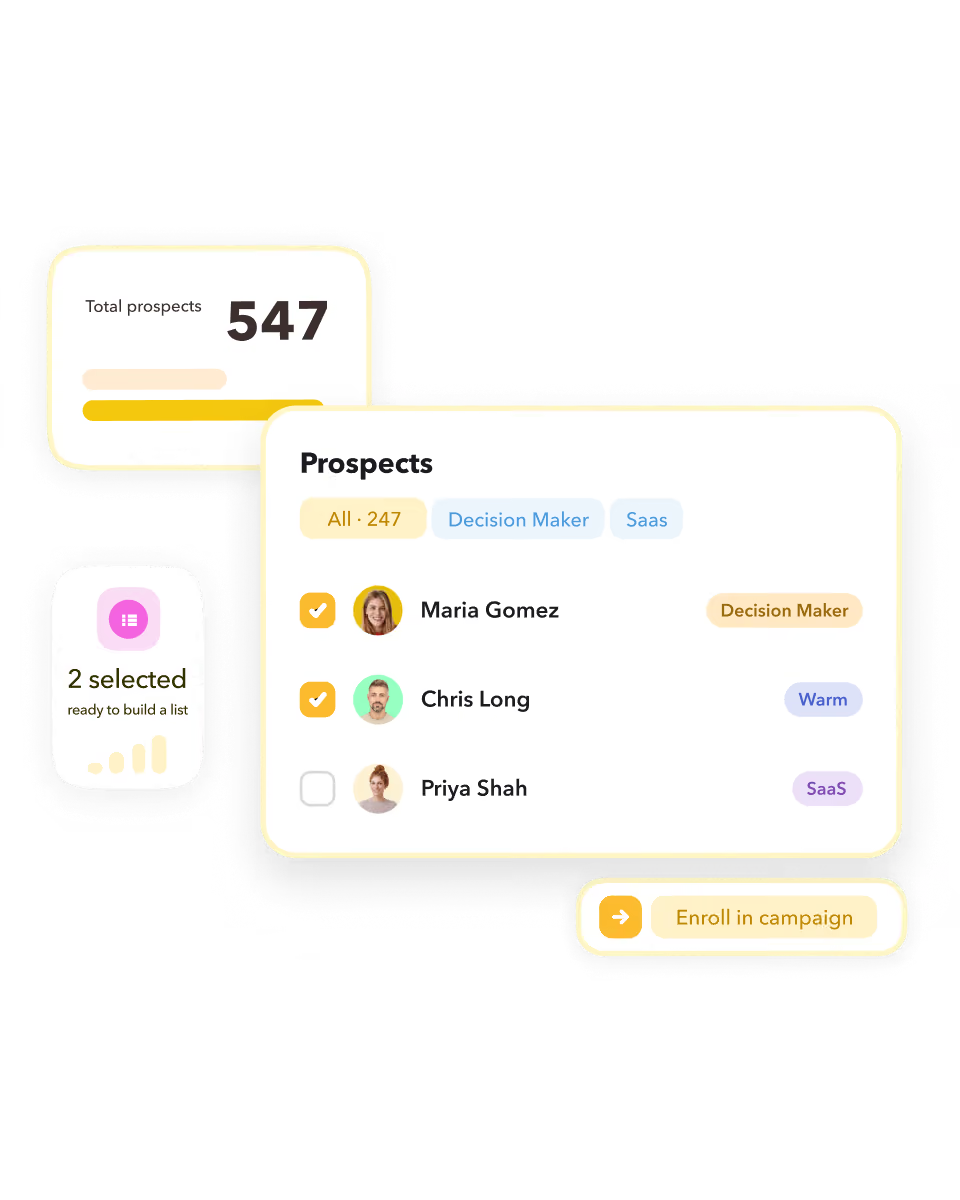
What STACKED lead management does for you
Jump straight to the prospects that matter
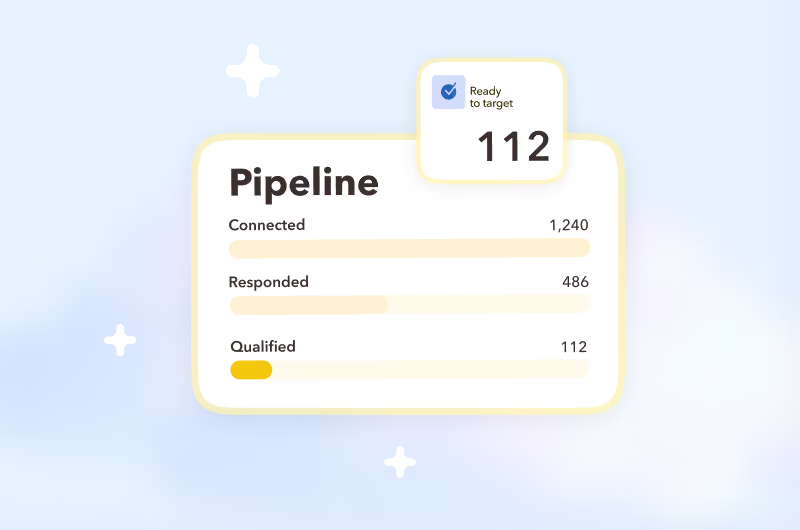
Drill down by pipeline stage – connected, responded, qualified – to quickly find and focus on the prospects you want.
Organize prospects with smart tagging
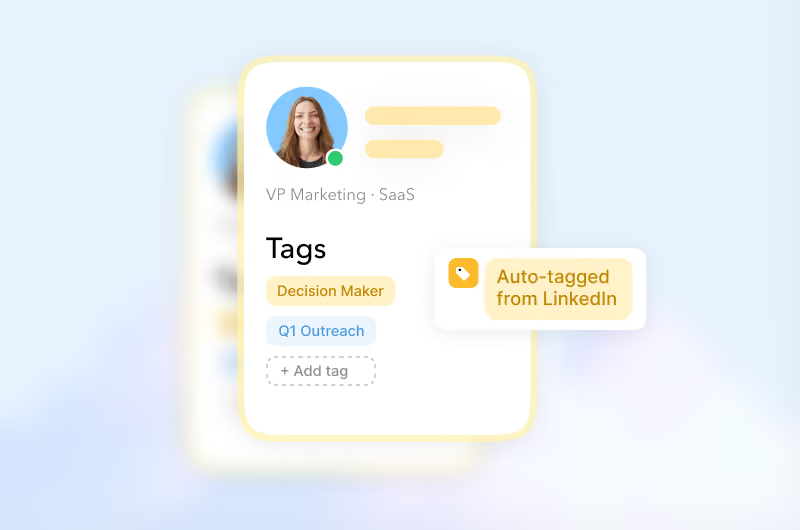
Automatically tag prospects as you enroll them into campaigns, or tag them manually, so you can easily find and target them again.
Your entire prospect database in STACKED
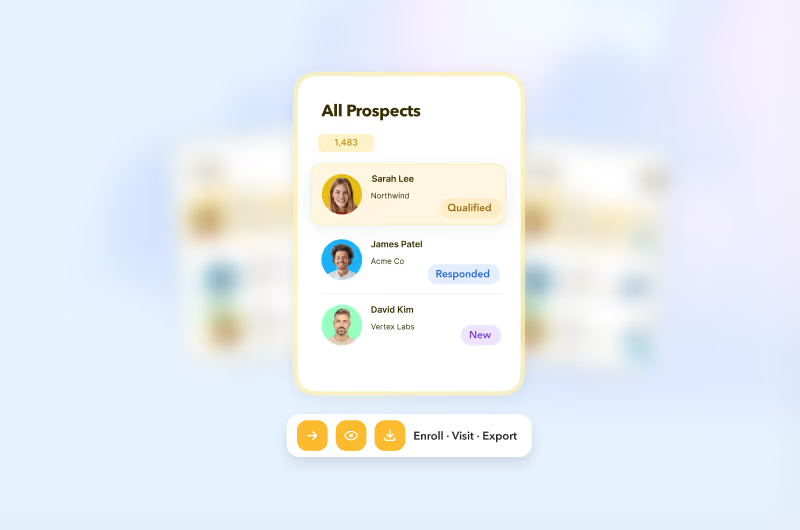
View every prospect, filter and sort your database, then take action — enroll, unenroll, visit, connect or export.
Jump straight to the prospects that matter
Drill down by pipeline stage – connected, responded, qualified – to quickly find and focus on the prospects you want.
Organize prospects with smart tagging
Automatically tag prospects as you enroll them into campaigns, or tag them manually, so you can easily find and target them again.
Your entire prospect database in STACKED
View every prospect, filter and sort your database, then take action — enroll, unenroll, visit, connect or export.
This is what STACKED Hosted was built for
Stacked Hosted runs every client's LinkedIn outreach from one dashboard, always on, in the cloud, with safety controls built in to protect every account and reporting built in to prove the results.
The result: an outreach engine that scales with your agency, not against it.
The result: an outreach engine that scales with your agency, not against it.

What you get with STACKED lead management


Lead management in four steps

SETUP
Lead management in four steps
1
Tag as you go
Tag profiles manually, or turn on automatic tagging so every profile you visit gets sorted as it happens.
2
See inside any stage
Open Funnel Flow and click into Enrolled, Responded, Qualified — or any stage — to see the actual list of people in it.
3
Filter, then export
Narrow down by campaign, tag or connection degree, and download the result as a CSV whenever you need it.
4
Take the next action
Qualify prospects, send a message, switch campaigns or move them out of the funnel — all directly from your prospect list.

success stories
Get started with STACKED
Handle your entire sales pipeline, track your performance, and in the end, close more deals.




The original LinkedIn automation tool at an
unbelievable value