











.png)


Integrations
highlevel
STACKED HighLevel Integration
Automatically sync your LinkedIn outreach activity with your HighLevel CRM, and add LinkedIn to the available multi-channel campaigns.

Why connect HighLevel to STACKED


What you can do with HighLevel in STACKED
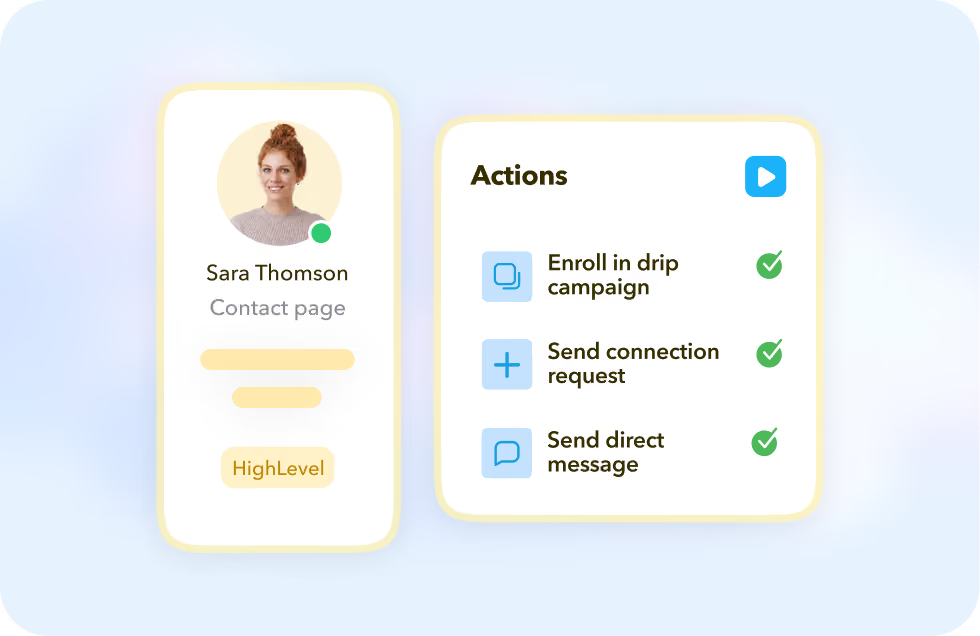
Take LinkedIn actions from the Contact page
Enroll or unenroll a contact in a STACKED drip campaign, qualify them in or out of a campaign, or send a direct message right from the HighLevel Contact page.
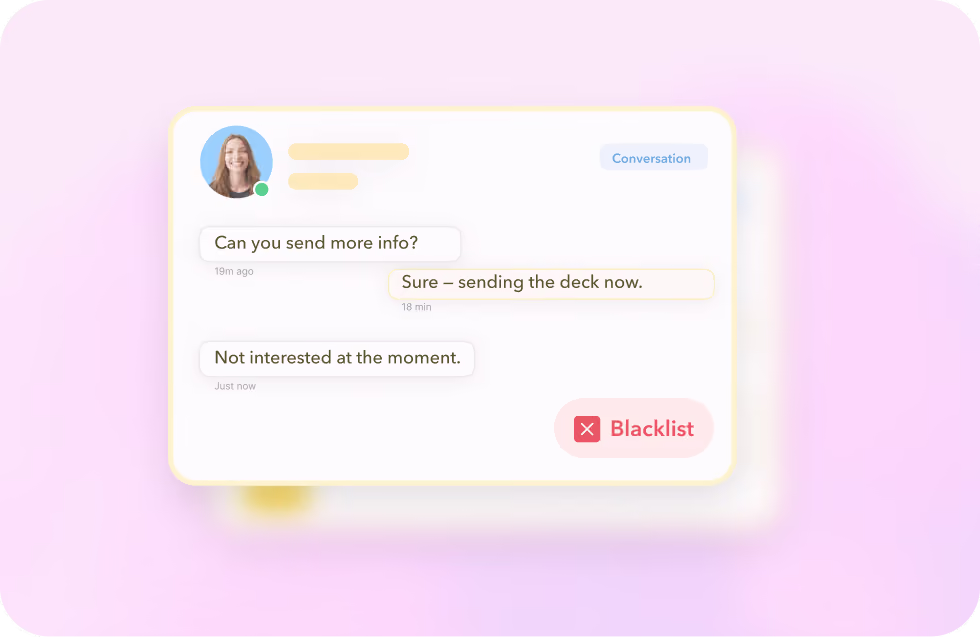
See the full LinkedIn conversation history
View the LinkedIn conversation history for any contact, or blacklist a profile from future campaigns. All without leaving HighLevel.
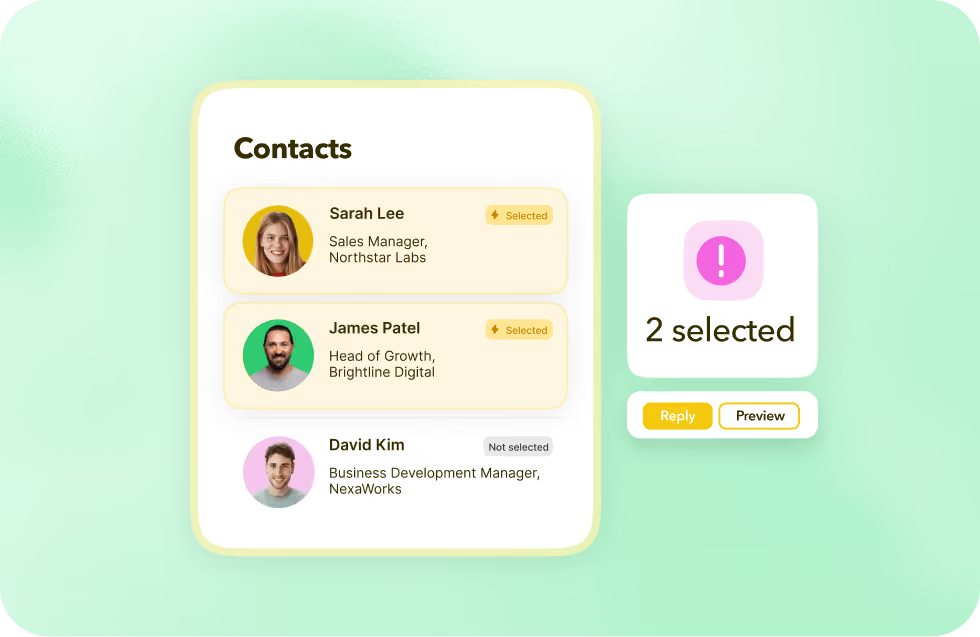
Take bulk actions across multiple contacts
Select multiple LinkedIn profiles in HighLevel and perform the same STACKED action across all of them at once, instead of one contact at a time.
Take LinkedIn actions from the Contact page
Enroll or unenroll a contact in a STACKED drip campaign, qualify them in or out of a campaign, or send a direct message right from the HighLevel Contact page.
See the full LinkedIn conversation history
View the LinkedIn conversation history for any contact, or blacklist a profile from future campaigns. All without leaving HighLevel.
Take bulk actions across multiple contacts
Select multiple LinkedIn profiles in HighLevel and perform the same STACKED action across all of them at once, instead of one contact at a time.
Got a question?
Which STACKED plans include the HighLevel integration?
You'll need a STACKED subscription to access the HighLevel integration.
What information does STACKED add to a HighLevel Contact?
Last name, email, phone, LinkedIn ID, profile URL and title on the Contact, plus company name, website, description and address on the linked Company record.
Does it update the contact's name to match LinkedIn?
Only if you enable "Update Contact name from LinkedIn". It's optional, and changes the HighLevel contact's name to whatever's showing on their LinkedIn profile.
What happens if someone replies to a LinkedIn message mid-campaign?
Dux-Soup can continue the campaign once they respond. So your drip sequence picks back up based on a real LinkedIn reply, not just a fixed delay.


Integrate STACKED
with HighLevel today