











.png)


features
Analytics
Know what's working. Improve what's next.
Track campaign performance, A/B test variants, and use realtime data to optimize campaigns and prove impact.
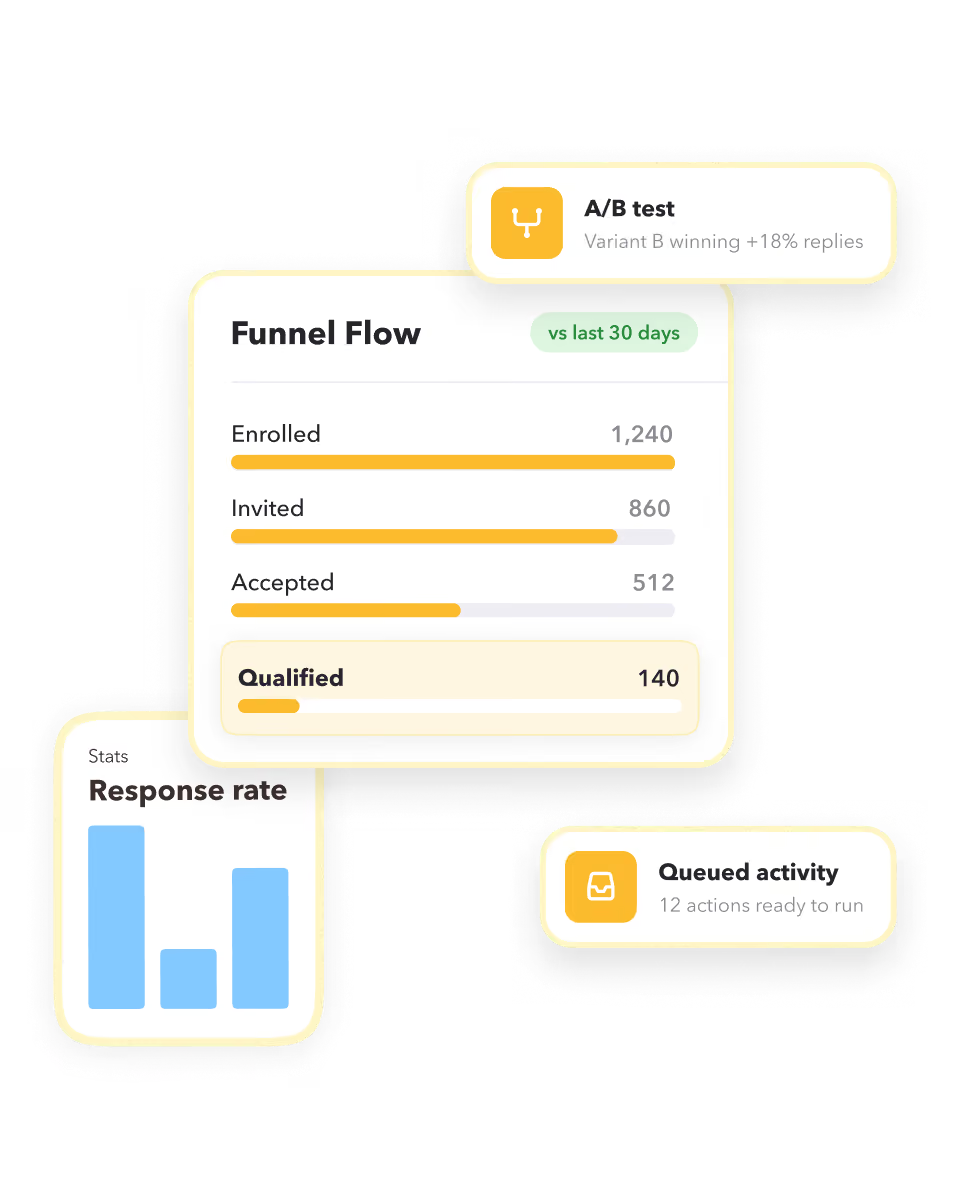
What STACKED analytics does for you
Visualize exactly what's driving results
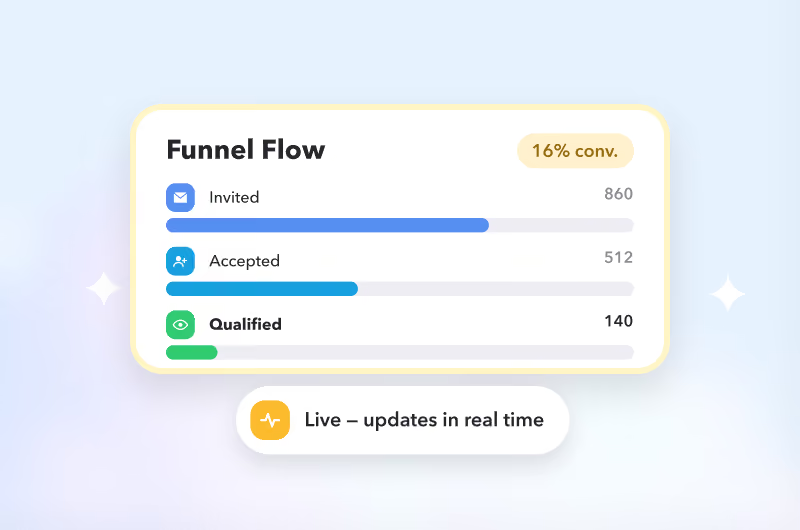
Get a clear view of your outreach activity, connection acceptance, responses, and leads in the Funnel Flow, so you can see what's driving results at every stage.
Test what works and improve outcomes
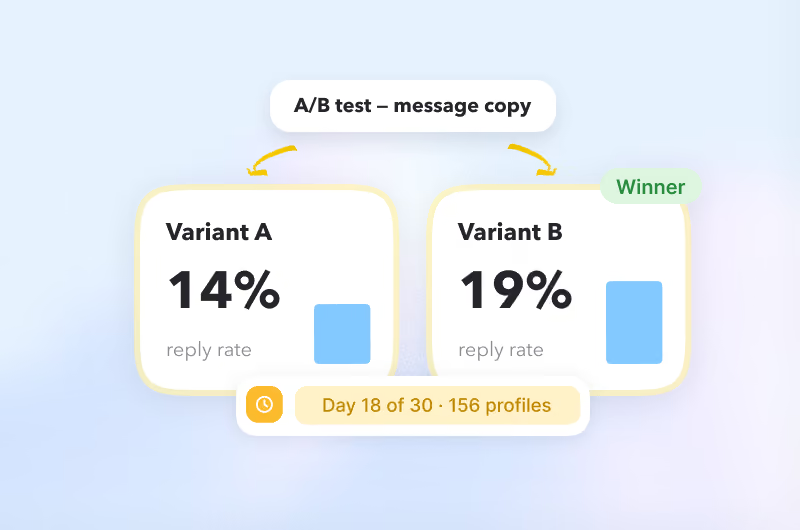
A/B test campaigns side by side and compare conversion rates at every stage of the funnel to identify your best-performing approach and optimize results.
Know what's happening at any time
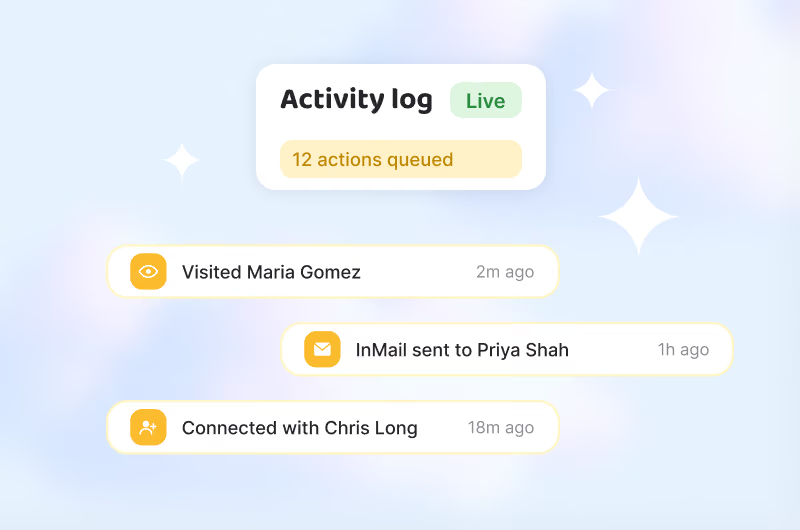
Instantly view queued activity and activity history, giving you full visibility of what's happening with your LinkedIn outreach.
Visualize exactly what's driving results
Get a clear view of your outreach activity, connection acceptance, responses, and leads in the Funnel Flow, so you can see what's driving results at every stage.
Test what works and improve outcomes
A/B test campaigns side by side and compare conversion rates at every stage of the funnel to identify your best-performing approach and optimize results.
Know what's happening at any time
Instantly view queued activity and activity history, giving you full visibility of what's happening with your LinkedIn outreach.
This is what STACKED Hosted was built for
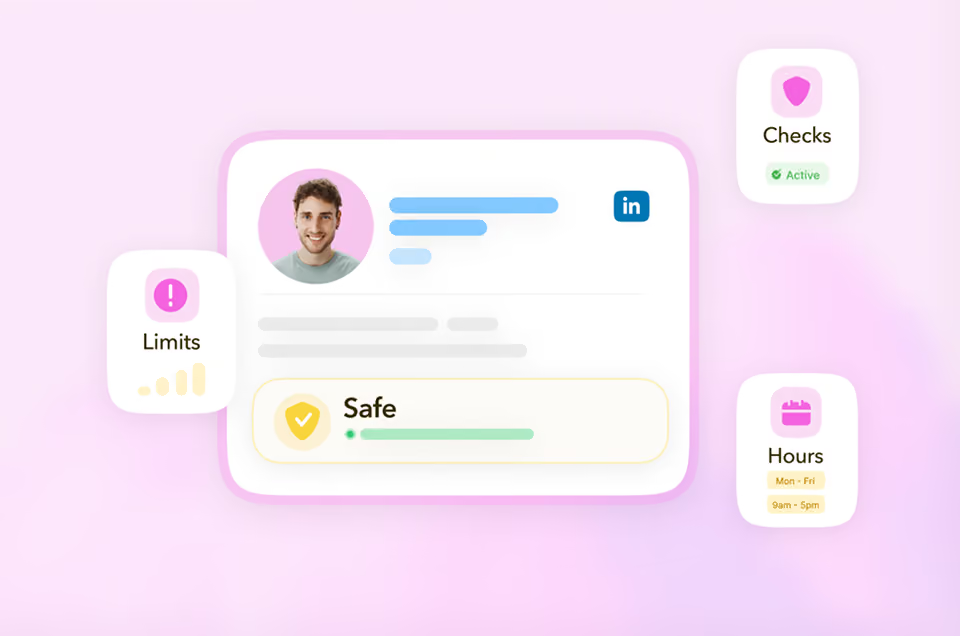
Stacked Hosted runs every client's LinkedIn outreach from one dashboard, always on, in the cloud, with safety controls built in to protect every account and reporting built in to prove the results.
The result: an outreach engine that scales with your agency, not against it.
The result: an outreach engine that scales with your agency, not against it.
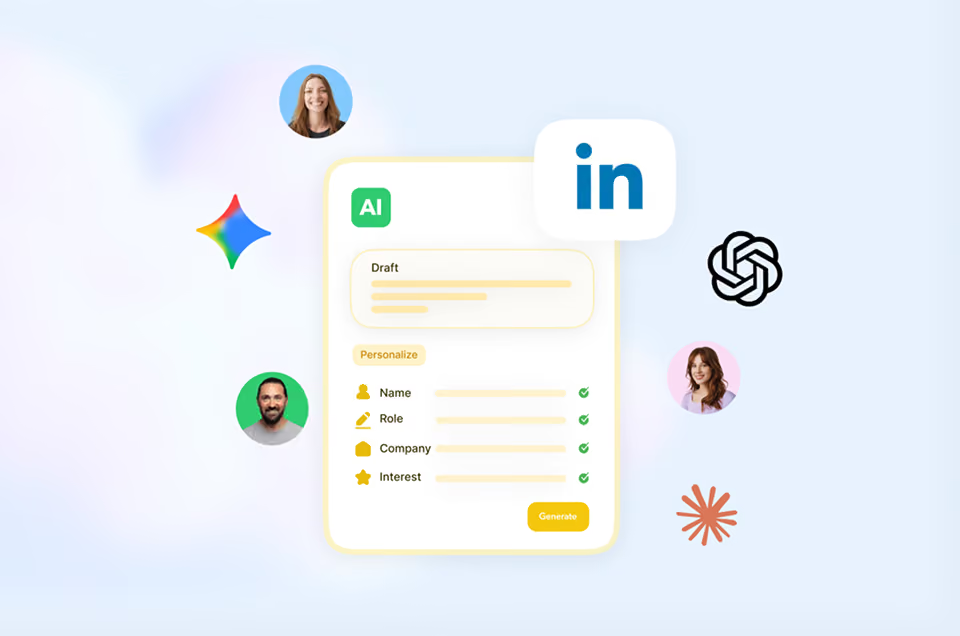
What you get with STACKED analytics


Analytics in four steps

SETUP
Analytics in four steps
1
Launch your campaign
STACKED runs the visits, connects, messages and follow-ups automatically, in the background. You focus on the replies.
2
Check the queue anytime
See what's coming up next in Queued Activity. Filter it, remove it, or open the profile before it runs.
3
Review the Activity Log
Every action lands here the moment it finishes, success or failure: searchable by campaign, profile or type.
4
Watch it in Funnel Flow
Compare this period to the last one, stage by stage, and see which A/B variant is winning.
success stories
Get started with STACKED
Handle your entire sales pipeline, track your performance, and in the end, close more deals.




The original LinkedIn automation tool at an
unbelievable value