











.png)


Integrations
SharpSpring
STACKED SharpSpring Integration
Automatically create and update SharpSpring Opportunities from your LinkedIn activity, and schedule LinkedIn actions straight from your SharpSpring CRM.
Why connect SharpSpring to STACKED


What you can do with SharpSpring in STACKED
Create an Opportunity for every LinkedIn profile
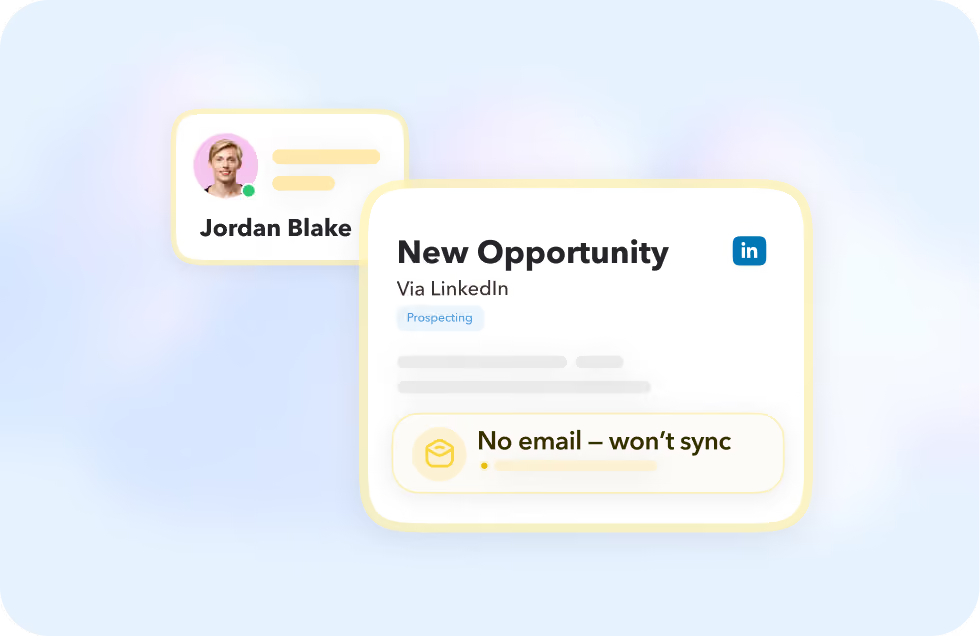
An Opportunity is created in SharpSpring for each LinkedIn profile you engage with. Note that SharpSpring can't create a profile without an email address, so profiles missing one won't sync.
Update automatically after connecting
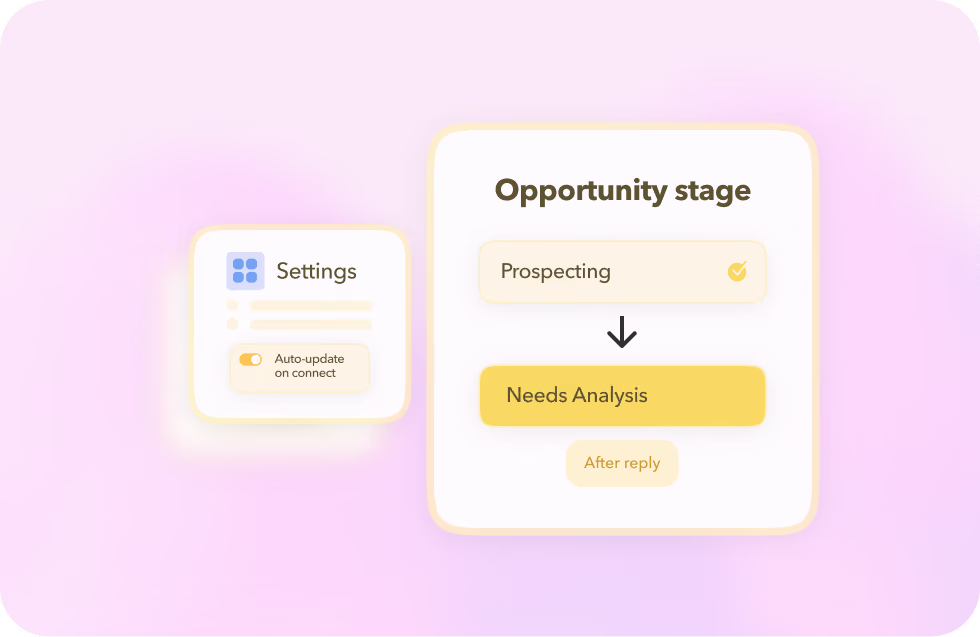
Turn on "Update Contact after connecting" and STACKED adds relevant details as soon as someone becomes a 1st-degree connection, then moves their Opportunity to Needs Analysis once they reply.
Schedule actions from your SharpSpring account
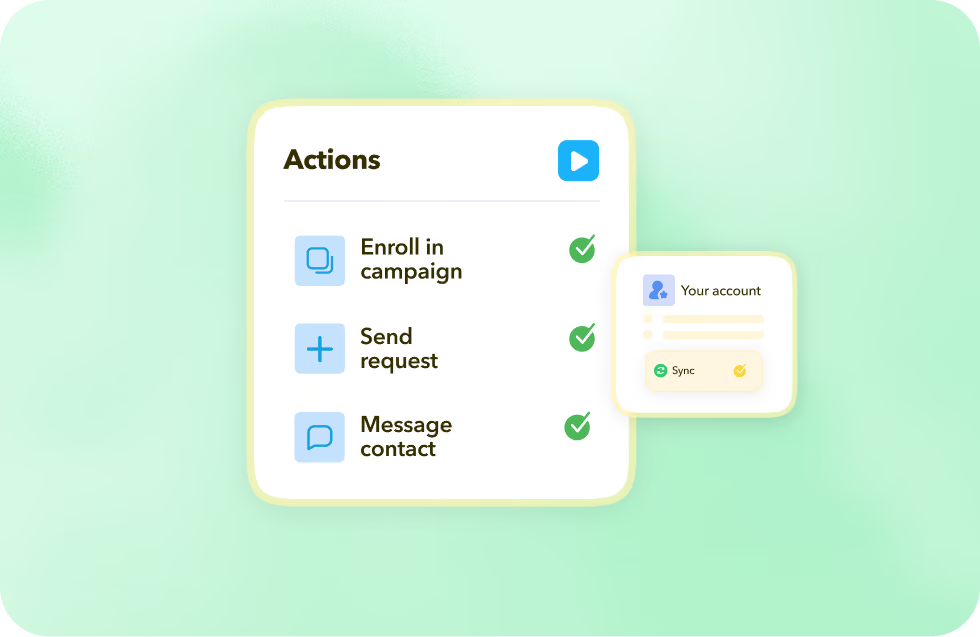
Message a contact, enroll them in a drip campaign, or send a connection request, right from SharpSpring, without switching over to LinkedIn.
Create an Opportunity for every LinkedIn profile
An Opportunity is created in SharpSpring for each LinkedIn profile you engage with. Note that SharpSpring can't create a profile without an email address, so profiles missing one won't sync.
Update automatically after connecting
Turn on "Update Contact after connecting" and STACKED adds relevant details as soon as someone becomes a 1st-degree connection, then moves their Opportunity to Needs Analysis once they reply.
Schedule actions from your SharpSpring account
Message a contact, enroll them in a drip campaign, or send a connection request, right from SharpSpring, without switching over to LinkedIn.
Got a question?
Which STACKED plans include the SharpSpring integration?
The SharpSpring integration is available to all users with a STACKED subscription, which can be connected from the STACKED dashboard CRM Connections page.
What happens if a LinkedIn profile doesn't have an email address?
SharpSpring doesn't allow creating profiles without an email, so STACKED won't transfer that profile's data to SharpSpring until one is available.
Where do I find my SharpSpring API details to connect?
In your SharpSpring account under Settings → API. The New Connection screen in STACKED asks for those details when you add SharpSpring.
Can I limit which LinkedIn profiles sync to SharpSpring?
Yes, choose whether Opportunities are created from every profile view, only your 1st-degree connections, tagged profiles, or not created at all.


Integrate STACKED
with SharpSpring today