











.png)


Integrations
Salesforce
STACKED Salesforce Integration
Connect Salesforce to LinkedIn with STACKED by creating and updating Salesforce contacts using LinkedIn, and run automated LinkedIn lead generation campaigns from Salesforce.
Why connect Salesforce to STACKED


What you can do with Salesforce in STACKED
Create and update Salesforce contacts using LinkedIn
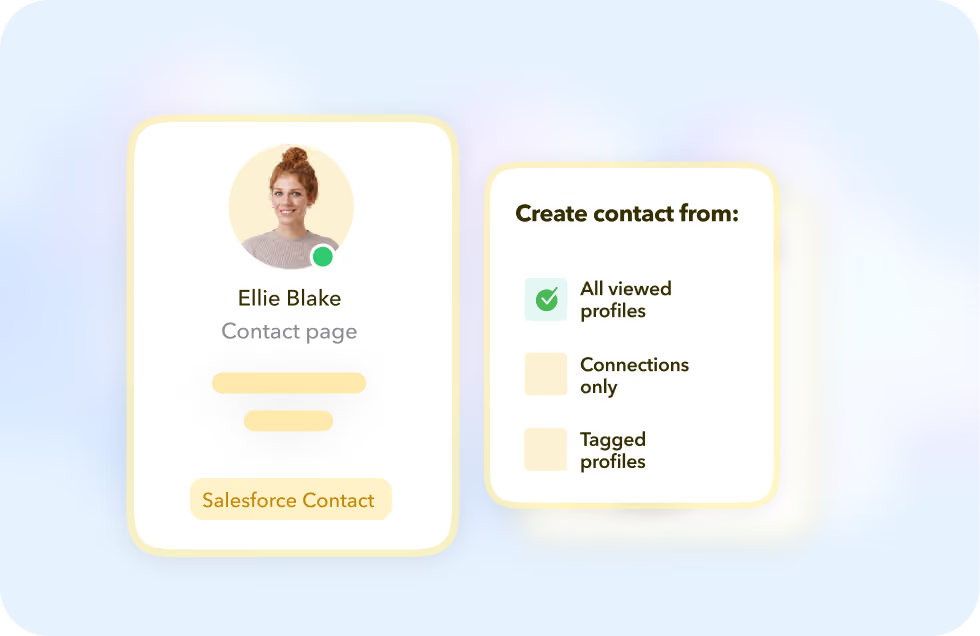
STACKED can create Salesforce Contacts from LinkedIn profile visits or drip campaign actions. Choose whether that's from every profile view, only your connections, or tagged profiles.
Enrich Salesforce with LinkedIn data
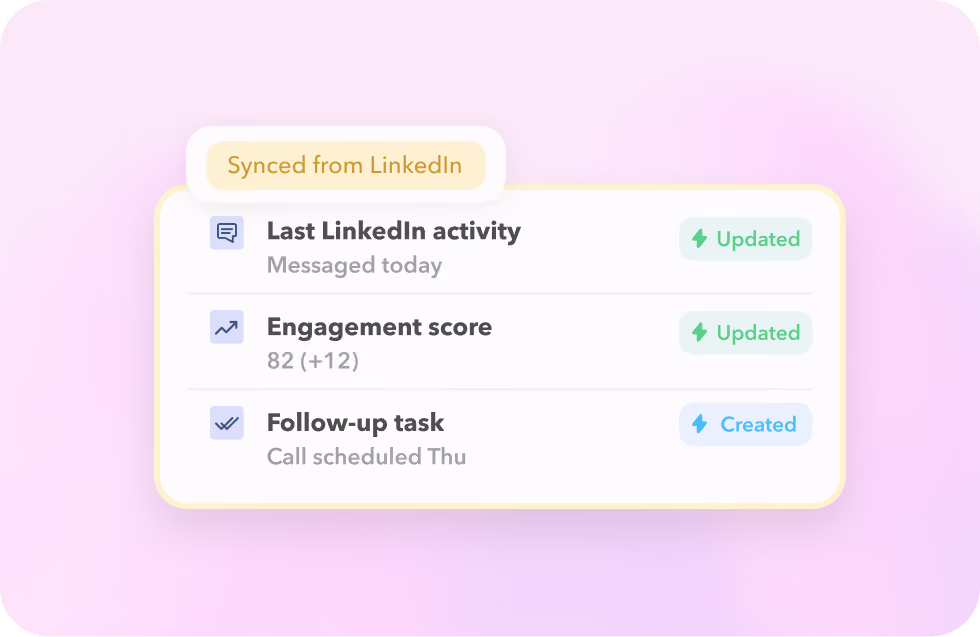
Automatically update Salesforce when you visit a profile, connect, or message on LinkedIn, and create follow-up activities so you can focus on engaged prospects and convert more sales.
Create a Chatter every time you receive a LinkedIn message
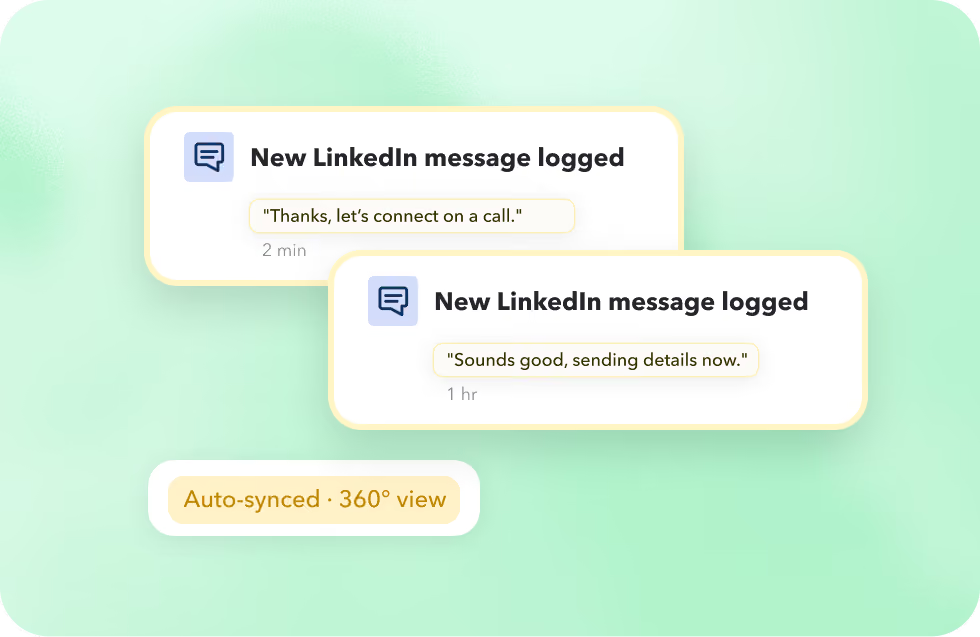
STACKED automatically creates and updates Salesforce Chatter. Get a 360-degree view of LinkedIn activity on every contact, centralizing your prospect information.
Create and update Salesforce contacts using LinkedIn
STACKED can create Salesforce Contacts from LinkedIn profile visits or drip campaign actions. Choose whether that's from every profile view, only your connections, or tagged profiles.
Enrich Salesforce with LinkedIn data
Automatically update Salesforce when you visit a profile, connect, or message on LinkedIn, and create follow-up activities so you can focus on engaged prospects and convert more sales.
Create a Chatter every time you receive a LinkedIn message
STACKED automatically creates and updates Salesforce Chatter. Get a 360-degree view of LinkedIn activity on every contact, centralizing your prospect information.

Got a question?
Which Salesforce editions work with the integration?
Enterprise, Unlimited, Developer, Performance, and Pro Suite editions, any edition that includes API access.
What LinkedIn information does STACKED add to a Salesforce Contact?
LinkedIn ID, profile URL, job title, connection degree, location, industry, and About summary plus any STACKED tags and notes.
Does it update the contact's name to match LinkedIn?
Only if you enable "Update the Contact name from LinkedIn". It's optional, and changes the Salesforce contact's name to whatever's on their LinkedIn profile.
How do I schedule bulk actions from a Salesforce Contacts list?
With Salesforce Enterprise Edition and the STACKED package installed, enable the custom list-view buttons from Setup. STACKED's bulk actions then appear at the top right of your Contacts list view.


Integrate STACKED
with Salesforce today