











.png)


Integrations
Freshsales
STACKED Freshsales Integration
Sell smarter and faster with Freshsales CRM. Connect Dux-Soup to Freshsales and bring your LinkedIn outreach activity into Freshsales.
Why connect Freshsales to STACKED


What you can do with Freshsales in STACKED
Create and update contacts from LinkedIn
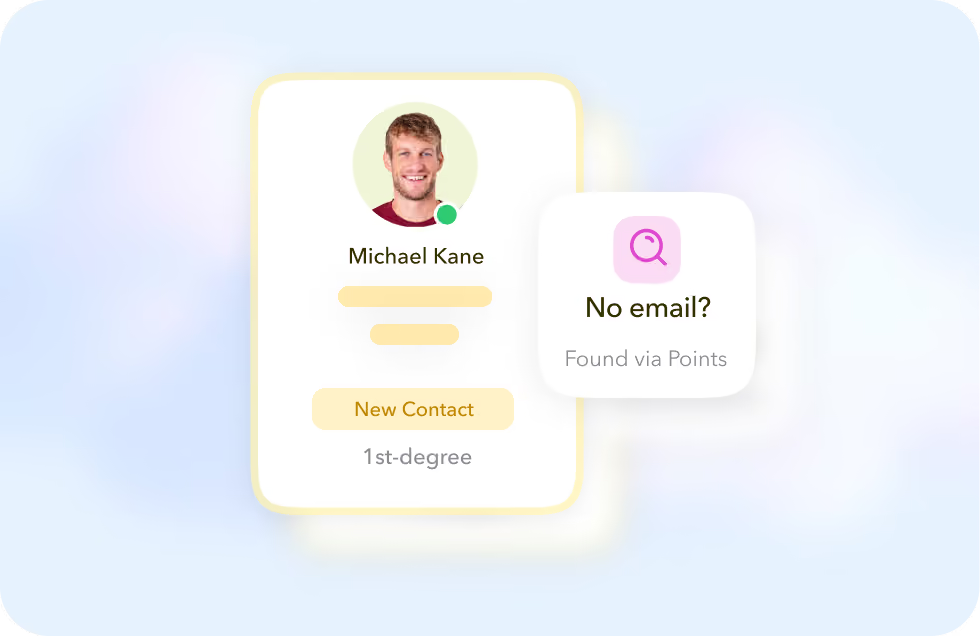
By default, STACKED creates and updates Freshsales contacts from your 1st-degree LinkedIn connections. Use STACKED points to look up an email address when one isn't on the profile.
Get notified of new connections and messages
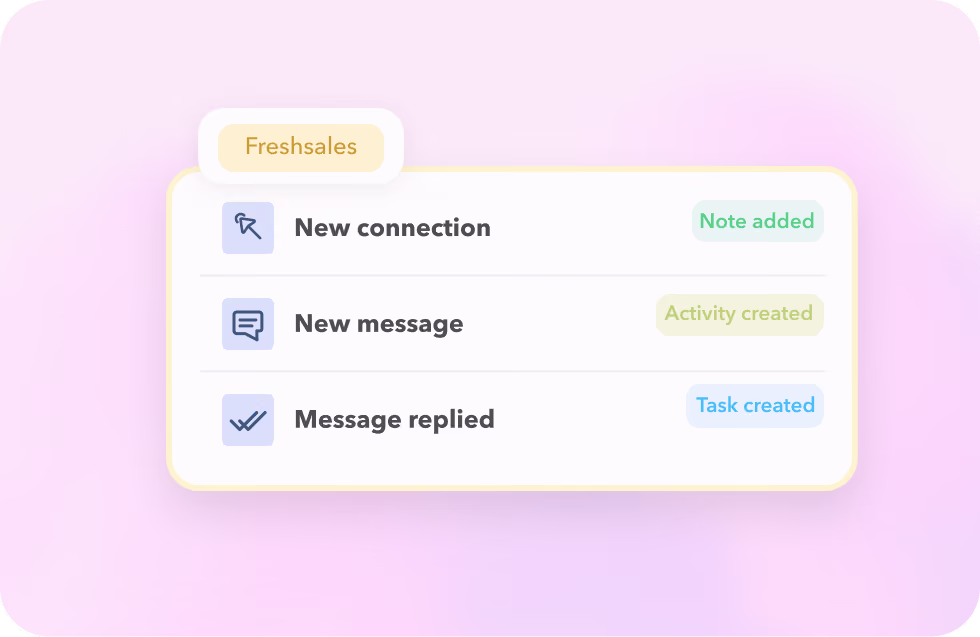
STACKED adds a Note for every new LinkedIn connection and every LinkedIn message, and creates a Sales activity when a prospect messages you back.
Run outreach actions from inside Freshsales
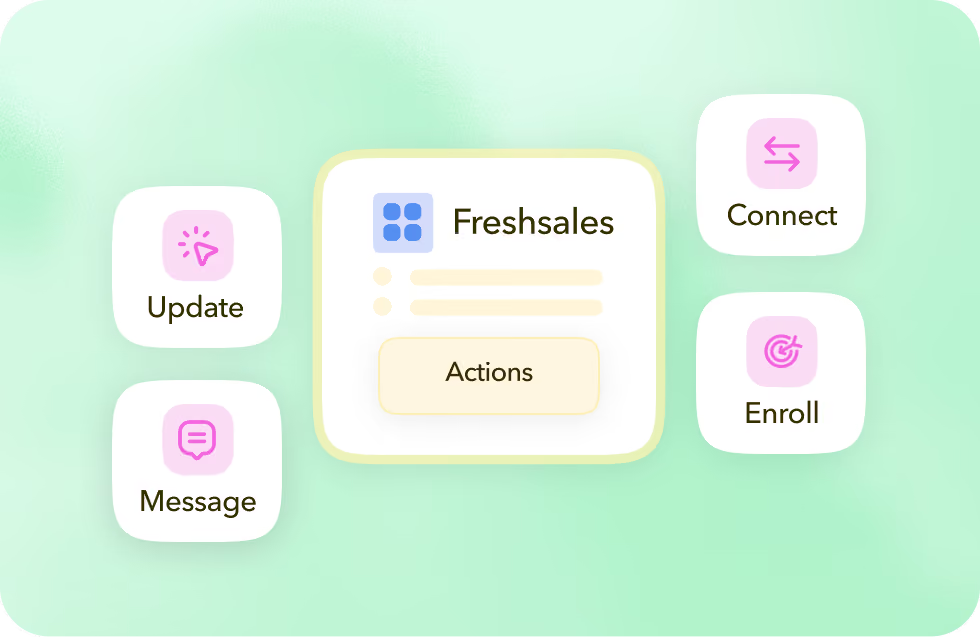
With a LinkedIn profile URL on the contact, run STACKED actions directly from Freshsales by updating, messaging, connecting, or enrolling them in a drip campaign.
Create and update contacts from LinkedIn
By default, STACKED creates and updates Freshsales contacts from your 1st-degree LinkedIn connections. Use STACKED points to look up an email address when one isn't on the profile.
Get notified of new connections and messages
STACKED adds a Note for every new LinkedIn connection and every LinkedIn message, and creates a Sales activity when a prospect messages you back.
Run outreach actions from inside Freshsales
With a LinkedIn profile URL on the contact, run STACKED actions directly from Freshsales by updating, messaging, connecting, or enrolling them in a drip campaign.
Got a question?
Which STACKED plans include the Freshsales integration?
The Freshsales integration is available to all users with a STACKED subscription. It can be connected from the STACKED dashboard CRM Connections page.
What happens if a LinkedIn profile doesn't have an email address?
STACKED can only create a Freshsales contact automatically if an email address is available. When one isn't, you can use STACKED points to look one up.
Where do I find my Freshsales API key?
In your Freshsales account, go to Settings > Apps & Integrations > API Settings. You'll need your API key and bundle alias to connect.
Can I limit which LinkedIn profiles sync to Freshsales?
Yes, choose not to create or update contacts from profile views at all, limit syncing to the 1st-degree connections you visit, or use tags to include or exclude specific LinkedIn profiles from the workflow.


Integrate STACKED
with Freshsales today