











.png)


Integrations
Slack
STACKED Slack Integration
Connect STACKED to Slack and send campaign responses to your chosen channel, and let your team reply in real-time.

Why connect Slack to STACKED


What your team can do from Slack
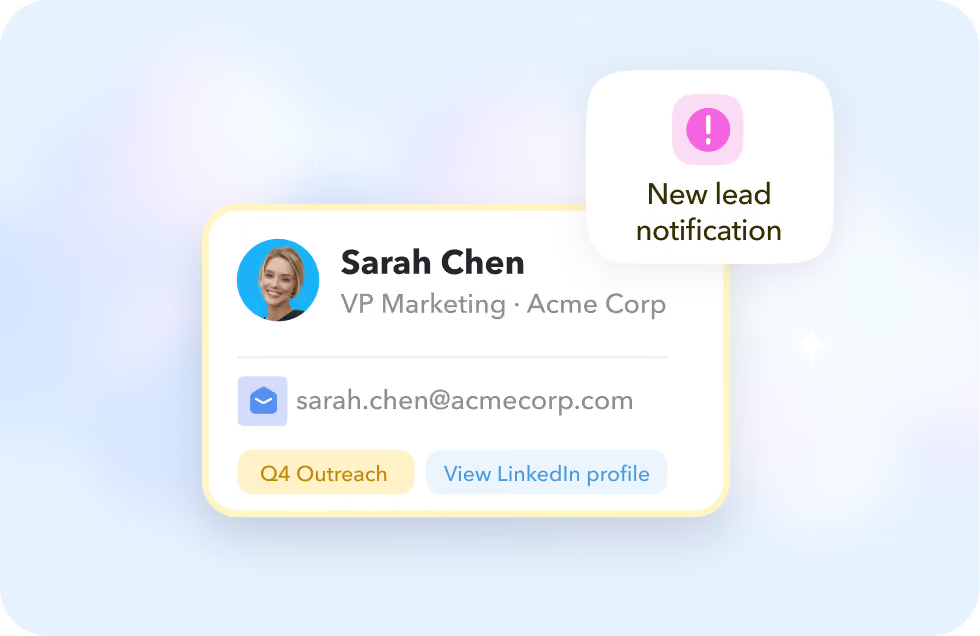
See the lead
Every notification shows the prospect's name, job title, company and email, plus the campaign it came from with a link straight to their LinkedIn profile.
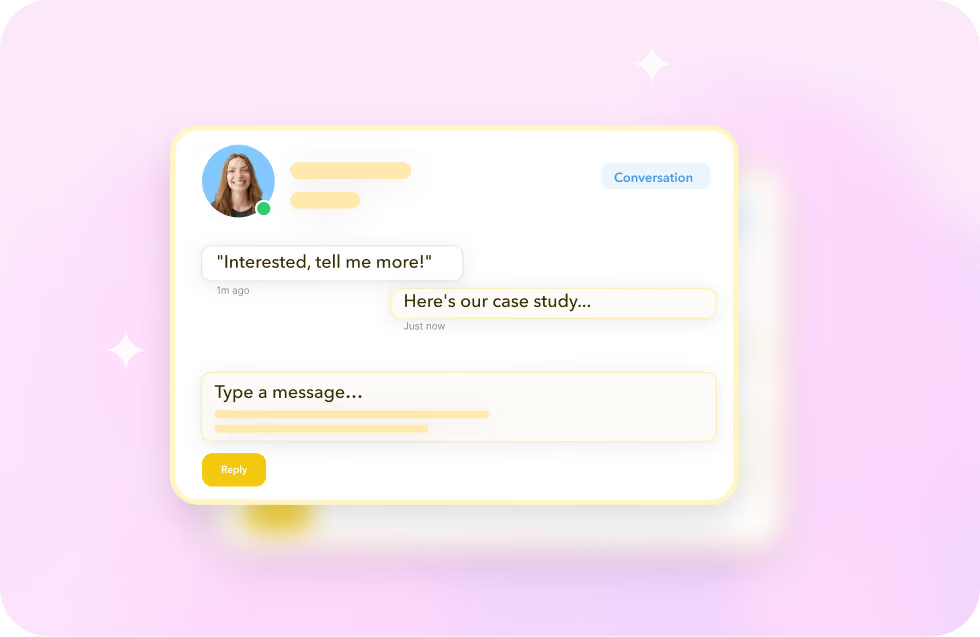
Reply from inside Slack
Click Conversation to see the full LinkedIn message thread, or Reply to send a response, all without leaving Slack.
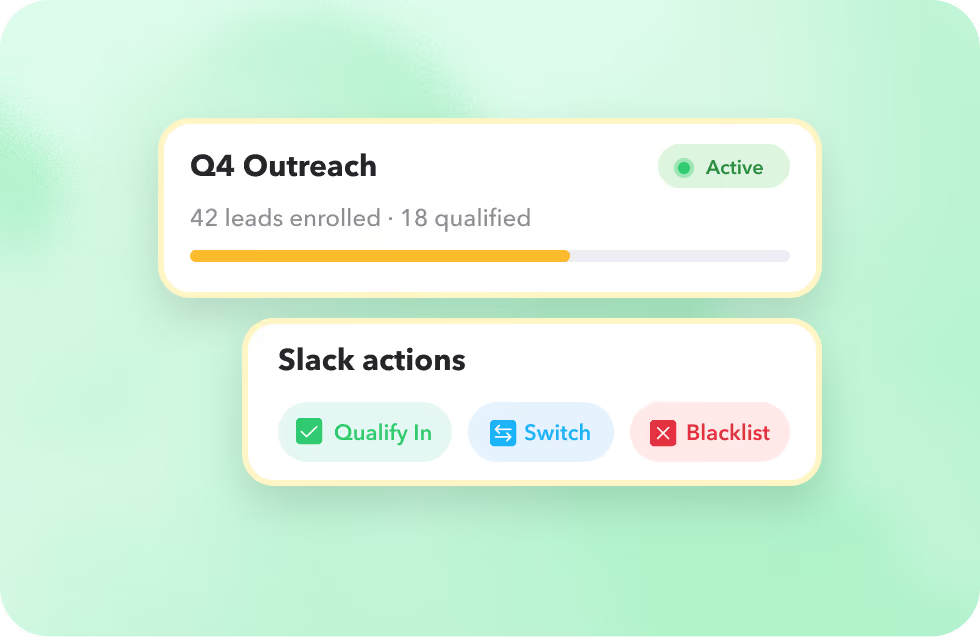
Manage the campaign
Qualify a lead in or out, switch or unenroll them from a campaign, or blacklist a profile, all from inside Slack.
See the lead
Every notification shows the prospect's name, job title, company and email, plus the campaign it came from with a link straight to their LinkedIn profile.
Reply from inside Slack
Click Conversation to see the full LinkedIn message thread, or Reply to send a response, all without leaving Slack.
Manage the campaign
Qualify a lead in or out, switch or unenroll them from a campaign, or blacklist a profile, all from inside Slack.
This is what STACKED Hosted was built for
Stacked Hosted runs every client's LinkedIn outreach from one dashboard, always on, in the cloud, with safety controls built in to protect every account and reporting built in to prove the results.
The result: an outreach engine that scales with your agency, not against it.
The result: an outreach engine that scales with your agency, not against it.
Got a question?
Which STACKED plans include the Slack integration?
The Slack integration is available for STACKED local or cloud users, through the STACKED dashboard's App Connections page.
What shows up in a Slack notification?
Each notification shows the prospect's name, job title, company and email address, the campaign it's from, and a link to open their LinkedIn profile.
Can I use a private Slack channel?
Yes, invite the STACKED Connector app to a private channel by typing /invite in the channel, or adding it from Slack's Integrations list.
Does this work on mobile?
Yes. The integration works on both the desktop and mobile versions of Slack, so you can respond to leads wherever you are.


Integrate STACKED
with Slack today