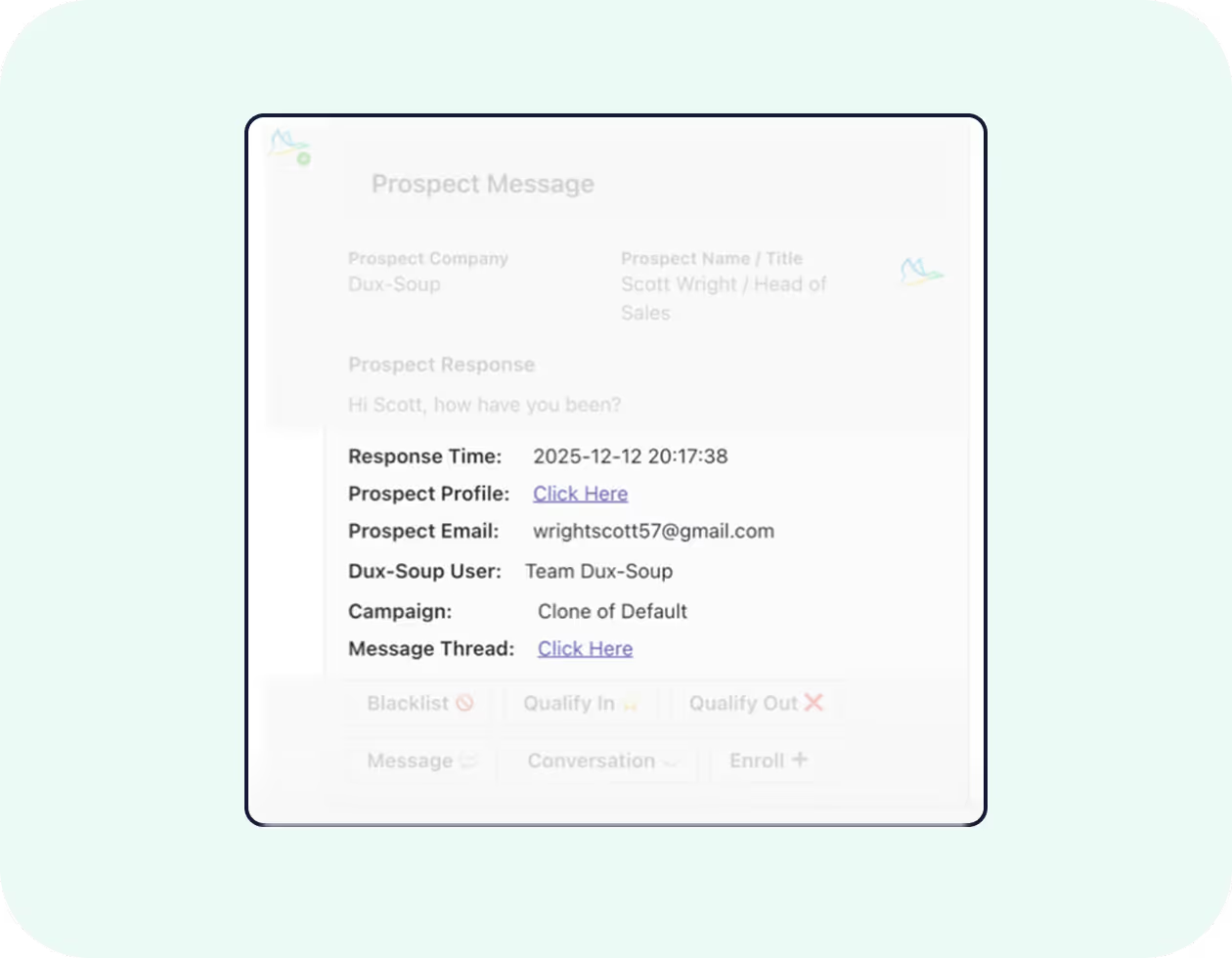
Lead responses are sent to your selected Teams channel
Any collaborator on this channel can carry out actions
You can view the prospect details such as name, job title, company, and email address
Go directly to the prospect’s LinkedIn page
View the Dux-Soup user name
View which Dux-Soup campaign prospects are enrolled in
Take action from Teams
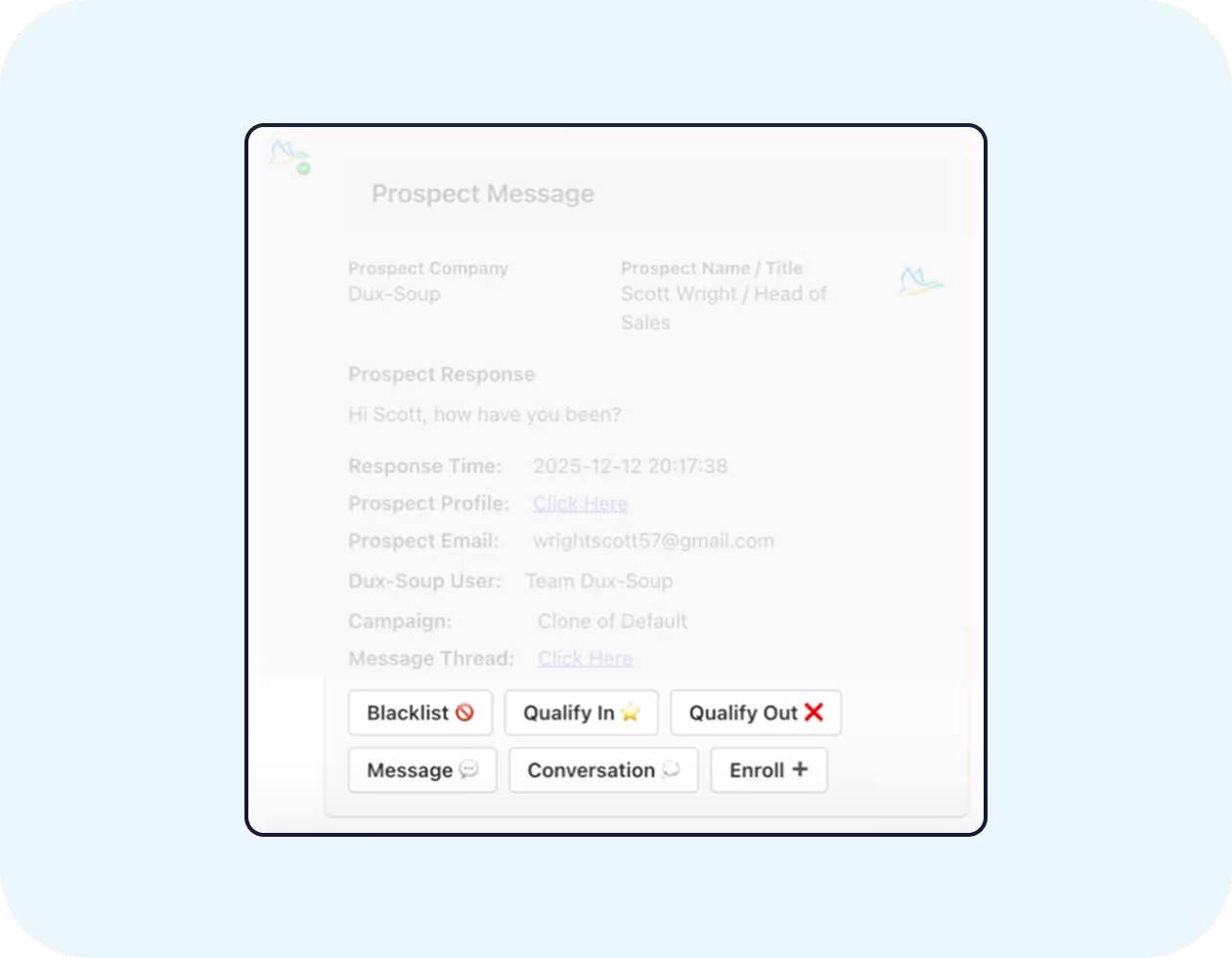
Any collaborator on your Teams channel can perform a number of actions:
Qualify leads in or out
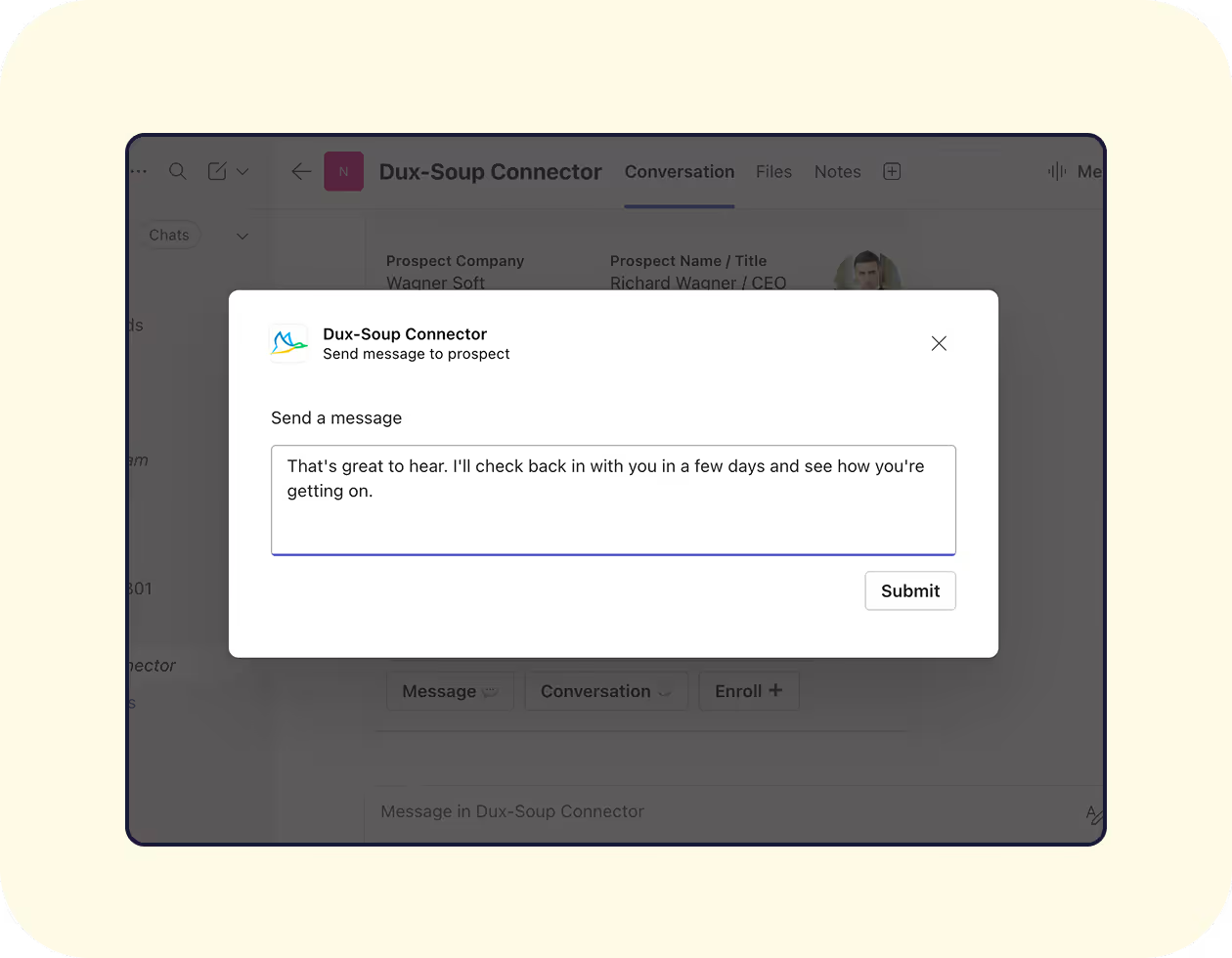
Send a message to reply to leads
View the conversation
Switch campaigns
Enroll/unenroll prospects
Accelerate sales cycle by responding quicker
Respond to leads in real-time from any location with access to Microsoft Teams.
Book more meetings and close more deals by responding faster.
Connect Dux-Soup to Teams in one minute
With a Dux-Soup Trial, Turbo or Cloud license, you get access to Dux-Soup’s Microsoft Teams integration for free. Check out our support article on how to implement the integration.
Oops! Something went wrong while submitting the form.
By clicking "Accept all cookies", you agree to cookies being stored on your device to improve website navigation, analyse website usage and support our marketing efforts. For more information, please see our privacy policy.