

Dux-Soup helps you
LinkedIn Outreach Responsibly
Engage Relevant Prospects
Personalize Every Message
Follow Natural Activity Limits
Organize Conversations Easily
Build Long-Term Relationships
Try Dux-Soup Free
Automatically sync LinkedIn outreach activity with your HighLevel CRM and add LinkedIn to the available multi-channel campaigns.
Dux-Soup integrates with HighLevel to automatically sync LinkedIn profile data, connection activity, and engagement history to your CRM — keeping all lead data in one place without manual exports or copy-paste. When visiting a LinkedIn profile (manually or via automation), you can create or update Contacts and Companies in HighLevel, apply tags, generate notes from LinkedIn messages, and enroll contacts directly into outreach campaigns.
Together Dux-Soup and HighLevel enables more streamlined multi-channel outreach:
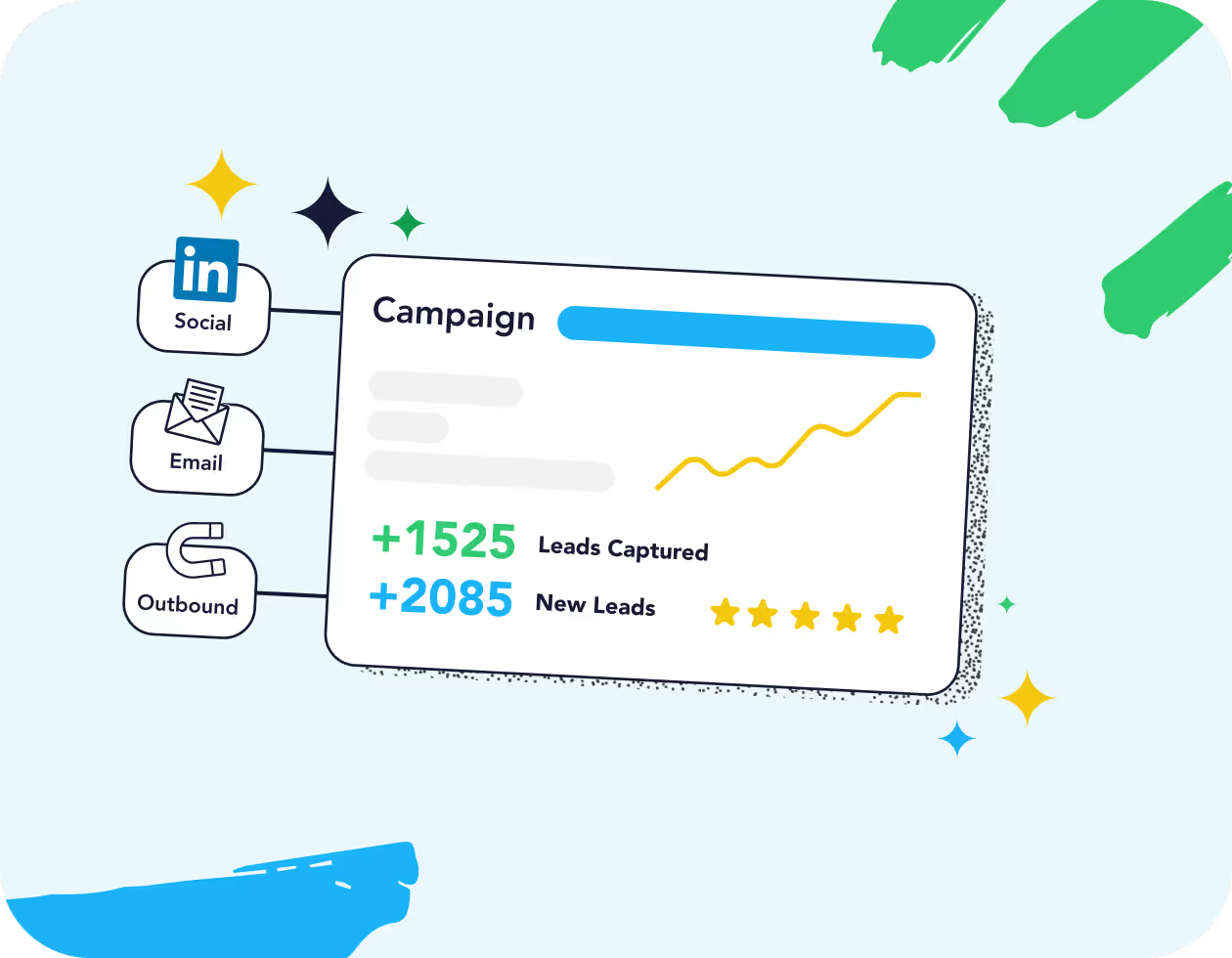
Add LinkedIn outreach alongside the full range of outbound channels available in HighLevel.
Launch automated LinkedIn campaigns directly from HighLevel, based on behaviour and triggers.
Keep sales and marketing teams aligned with the latest LinkedIn engagement data.
Avoid manual data entry by syncing profiles in real time.
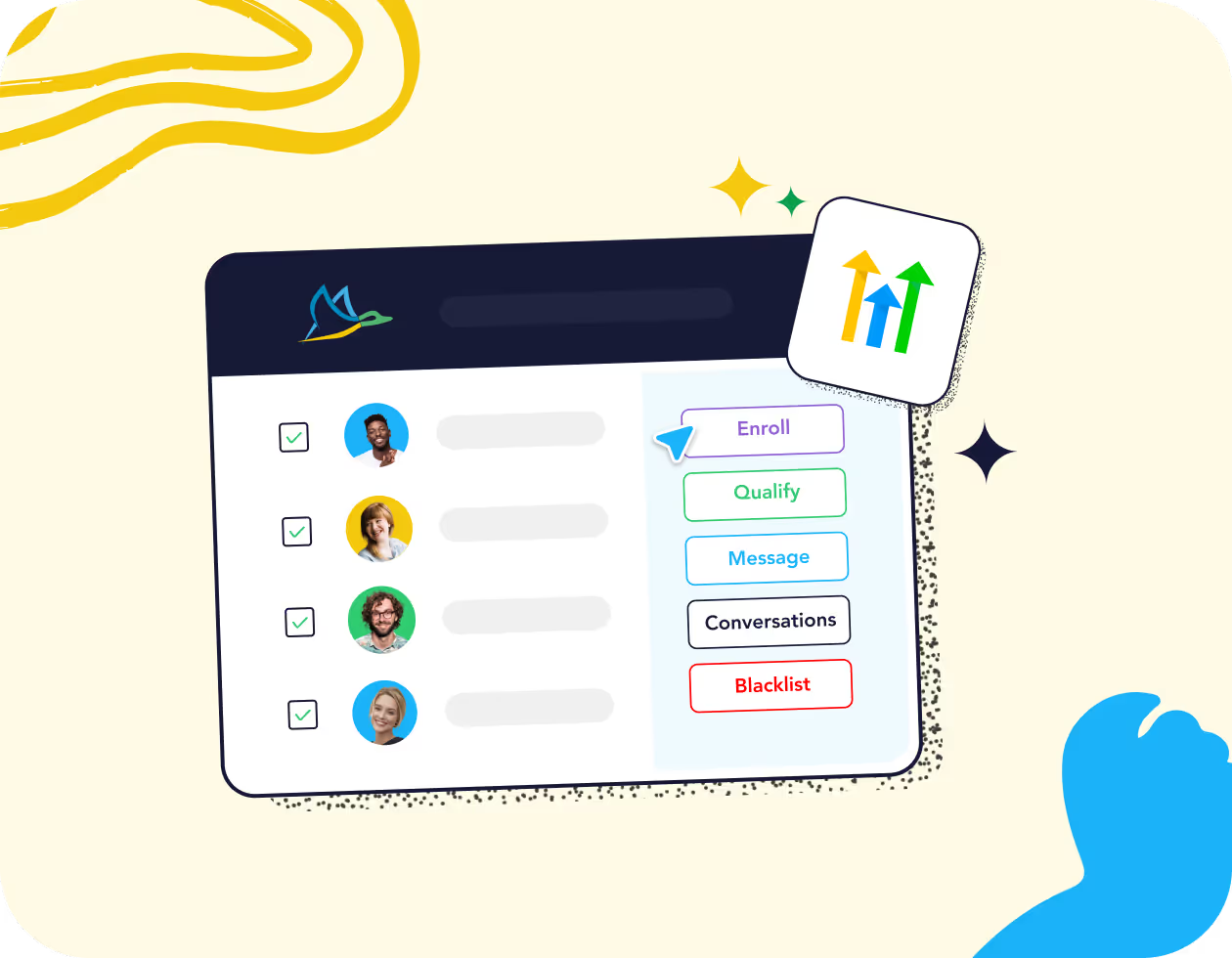
You can schedule a number of Dux-Soup activities directly from the Contact page in HighLevel:
Enroll/unenroll contacts in a Dux-Soup drip campaign.
Qualify contacts in or out of a campaign.
Continue the campaign once they respond.
Send a direct message.
View the LinkedIn conversation history.
Blacklist profiles from future campaigns.
Perform bulk actions by selecting multiple profiles.
With a Dux-Soup Turbo or Cloud license, you can access our LinkedIn HighLevel integration. Check out the video walkthrough below on setting up and using the integration. This will add HighLevel to the Dux-Dash App Connections page as well as in the App Marketplace inside HighLevel.
You can also follow the instructions in our handy HighLevel support article on how to implement the integration.