












Integrations
microsoft teams
STACKED Teams Integration
Get every Dux-Soup lead in your Teams channel in real time, and let your team qualify, message and manage them without leaving the conversation.

Why connect Teams
to STACKED

What your team can do
from Teams
See the lead
Every reply lands in Teams with full prospect context: name, title, company, email if available, and campaign.
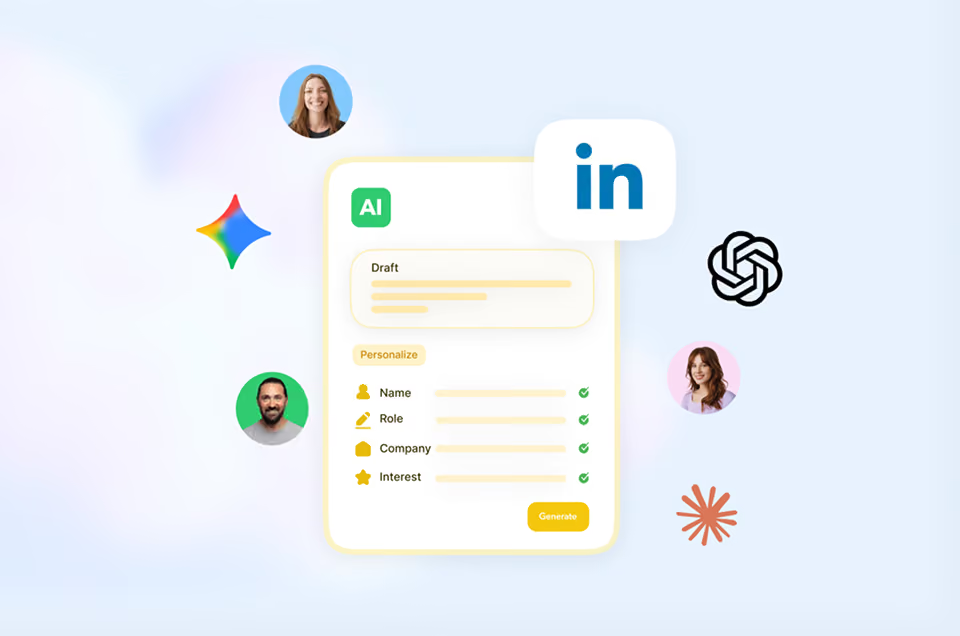

Reply from inside Teams
Send a direct message back to the prospect without opening LinkedIn or switching tools.
Manage the campaign
Any collaborator on the Teams channel can take actions such as view conversation, qualify, enroll, switch campaigns or blacklist.

See the lead
Every reply lands in Teams with full prospect context: name, title, company, email if available, and campaign.
Reply from inside Teams
Send a direct message back to the prospect without opening LinkedIn or switching tools.
Manage the campaign
Any collaborator on the Teams channel can take actions such as view conversation, qualify, enroll, switch campaigns or blacklist.
This is what STACKED Hosted was built for
Stacked Hosted runs every client's LinkedIn outreach from one dashboard, always on, in the cloud, with safety controls built in to protect every account and reporting built in to prove the results.
The result: an outreach engine that scales with your agency, not against it.
The result: an outreach engine that scales with your agency, not against it.
Got a question?
Which Dux-Soup plans include the Teams integration?
The Teams integration is included with Dux-Soup Turbo and Cloud, including the free trial. No add-on fees, no extra subscriptions.
Can the whole team use it, or just one person?
Any collaborator on the Teams channel can view leads and take action — qualify, message, enroll, switch campaigns or blacklist. The whole team works from the same channel.
Does it work with both LinkedIn and Sales Navigator?
Yes. The Teams integration works with whatever LinkedIn account type your Dux-Soup license is connected to — standard LinkedIn, Sales Navigator or Recruiter.
What happens if a lead replies while no one is in the Teams channel?
The Teams integration works with your existing Dux-Soup setup, whatever LinkedIn account type your license already uses.


Integrate STACKED
with Teams today