











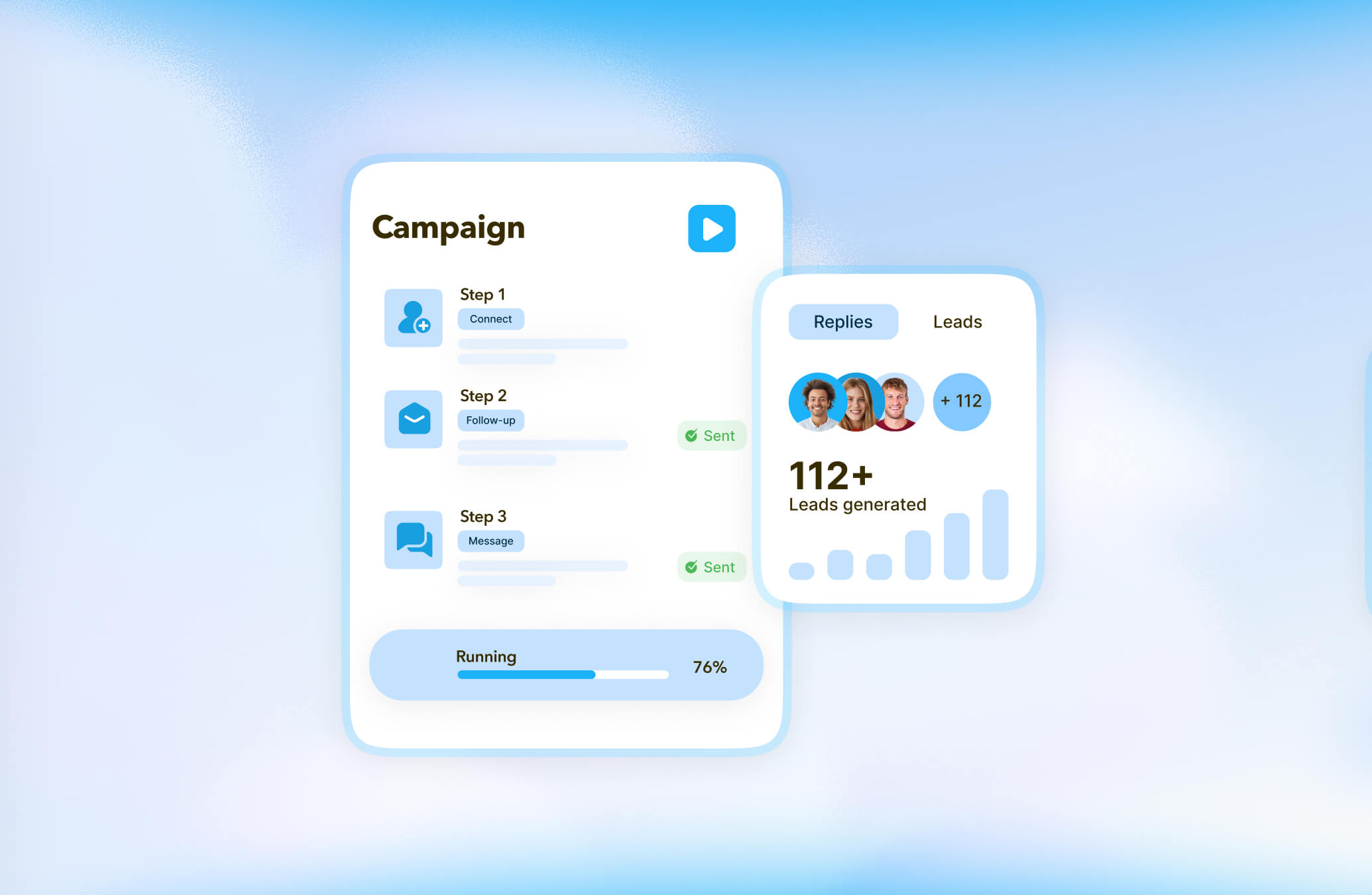

Integrations
Hubspot
STACKED HubSpot Integration
Connect STACKED to HubSpot to run your LinkedIn campaigns from HubSpot, while enriching your CRM data automatically.
Why connect HubSpot to STACKED

What you can do with HubSpot in STACKED
See LinkedIn activity on the Contact record
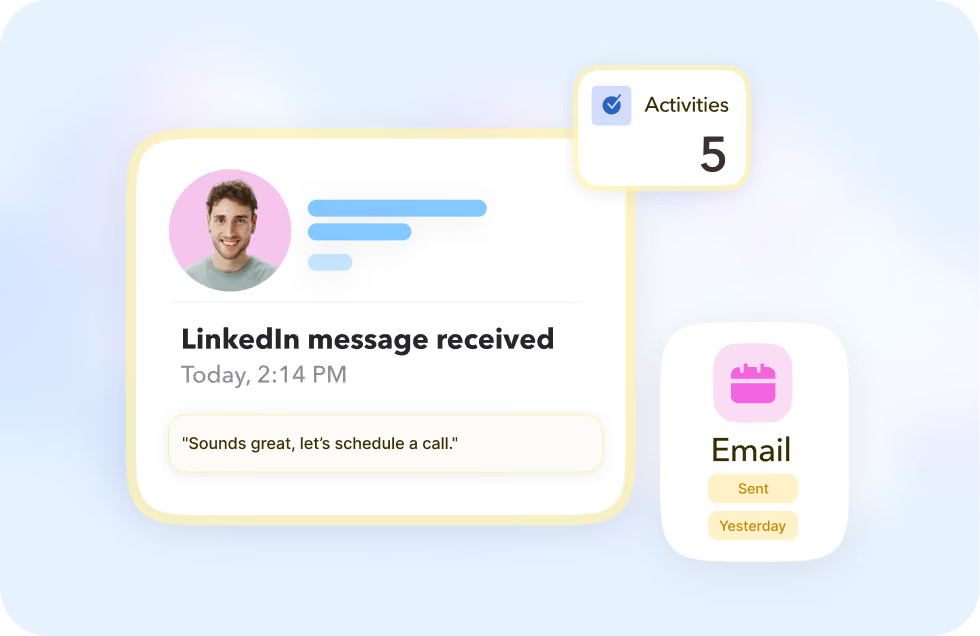
Every LinkedIn message you send or receive shows up as a timeline event on the HubSpot Contact record, enabling it from the Contact's Activities tab.
Take action from the Contact page
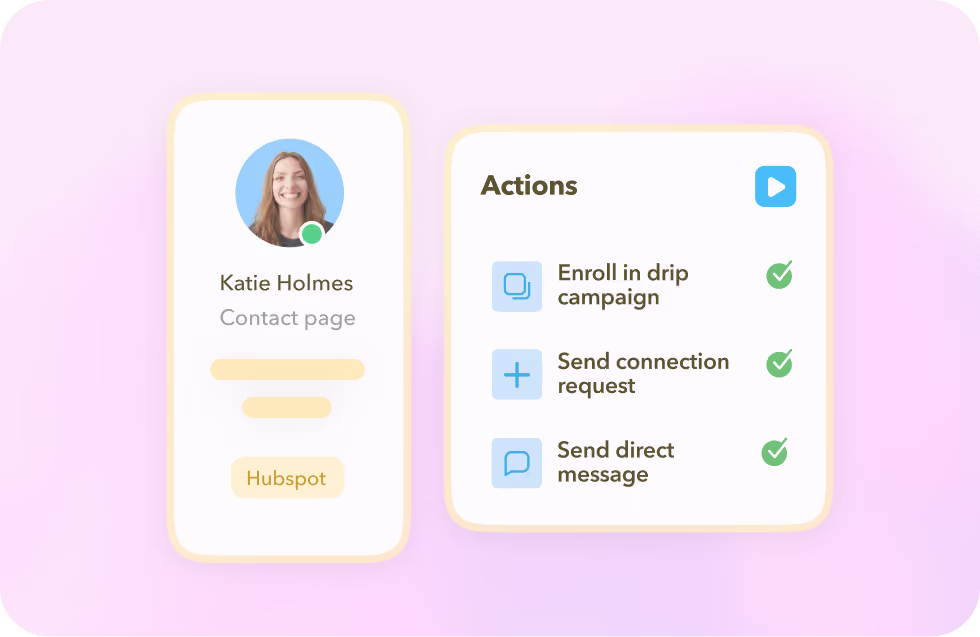
Enroll a contact in a drip campaign, send a connection request or direct message, or update their details right from the individual Contact page.
Take bulk actions from a Contacts list
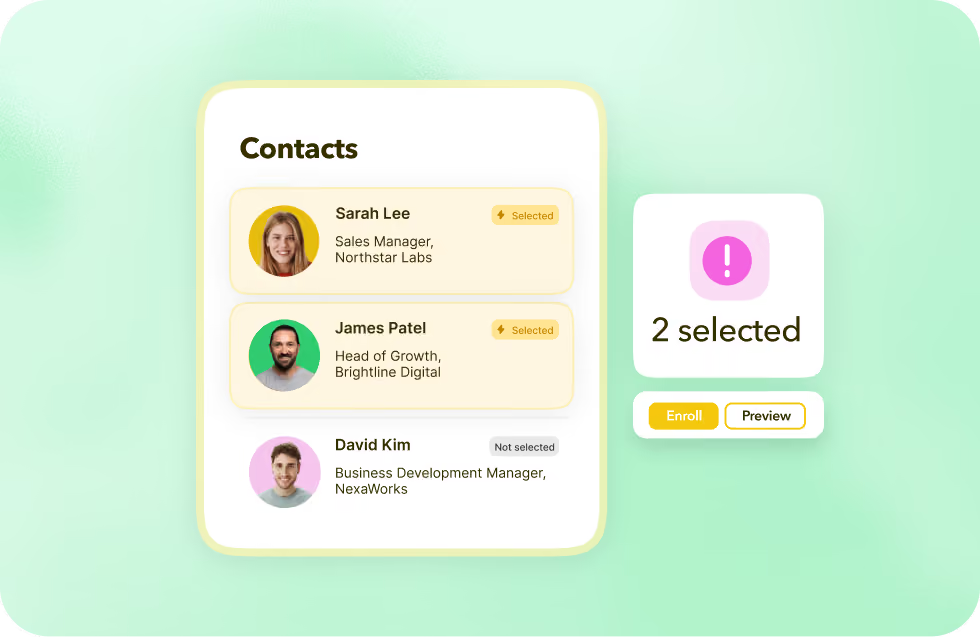
With STACKED, you can schedule actions in bulk from a HubSpot Contacts list — or use the Preview button to act on one contact at a time.
See LinkedIn activity on the Contact record
Every LinkedIn message you send or receive shows up as a timeline event on the HubSpot Contact record, enabling it from the Contact's Activities tab.
Take action from the Contact page
Enroll a contact in a drip campaign, send a connection request or direct message, or update their details right from the individual Contact page.
Take bulk actions from a Contacts list
With STACKED, you can schedule actions in bulk from a HubSpot Contacts list — or use the Preview button to act on one contact at a time.
This is what STACKED Hosted was built for
Stacked Hosted runs every client's LinkedIn outreach from one dashboard, always on, in the cloud, with safety controls built in to protect every account and reporting built in to prove the results.
The result: an outreach engine that scales with your agency, not against it.
The result: an outreach engine that scales with your agency, not against it.
Got a question?
Which STACKED plans include the HubSpot integration?
The Hubspot integration is available to all STACKED users via the STACKED dashboard CRM Connections page.
What happens in HubSpot when a LinkedIn connection is accepted?
If you enable "Update Contact after connecting," STACKED schedules a profile visit and updates the HubSpot Contact automatically. Just make sure the Default campaign is enabled on your Drip Campaigns page.
Does it change contact names to match LinkedIn?
Only if you enable "Update Contact name from LinkedIn". It changes the HubSpot contact's name to whatever name is showing on their LinkedIn profile.
Will every LinkedIn profile I visit update HubSpot?
Not unless you choose to: you can limit updates to only prospects enrolled in your Drip Campaigns, or widen the filter to connections, tags, or every profile view.


Integrate STACKED
with HubSpot today